
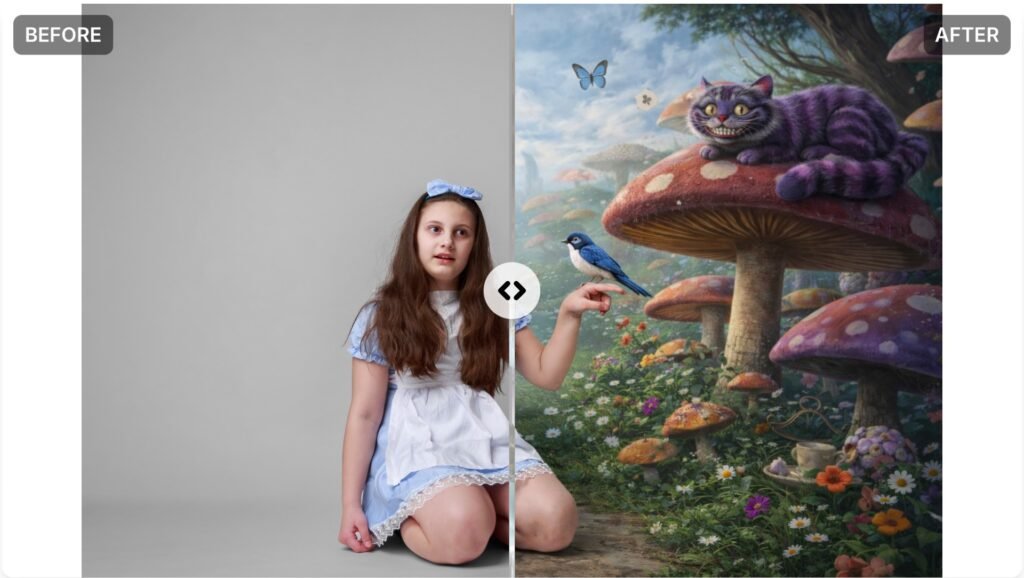
From Studio to Wonderland: The Mad Tea‑Party Visual Journey
All started with a Alice in Wonderland costume my daughter ordered online so she could wear it at school for World Book Day.
It only took me a few minutes to turn the lights off and turn the studio light on in my living room. I pulled the white background down from the ceiling, got my professional camera out of the backpack, and started shooting.
Like many other teenagers, I received only unfriendly glances and gentle refusals. After some persistence, I was able to capture a few good shots. However, I then noticed a strange noise coming from the studio light. Upon inspecting it, I was immediately aware of a strong smell. One of the light’s flaps was in contact with the exposed 1000W bulb and was beginning to melt. I promptly shut everything down and disposed of the damaged light. It narrowly avoided causing a fire in my house, fortunately. I replaced the light with a speedlight and continued with the photo session. Here are some of the raw images.
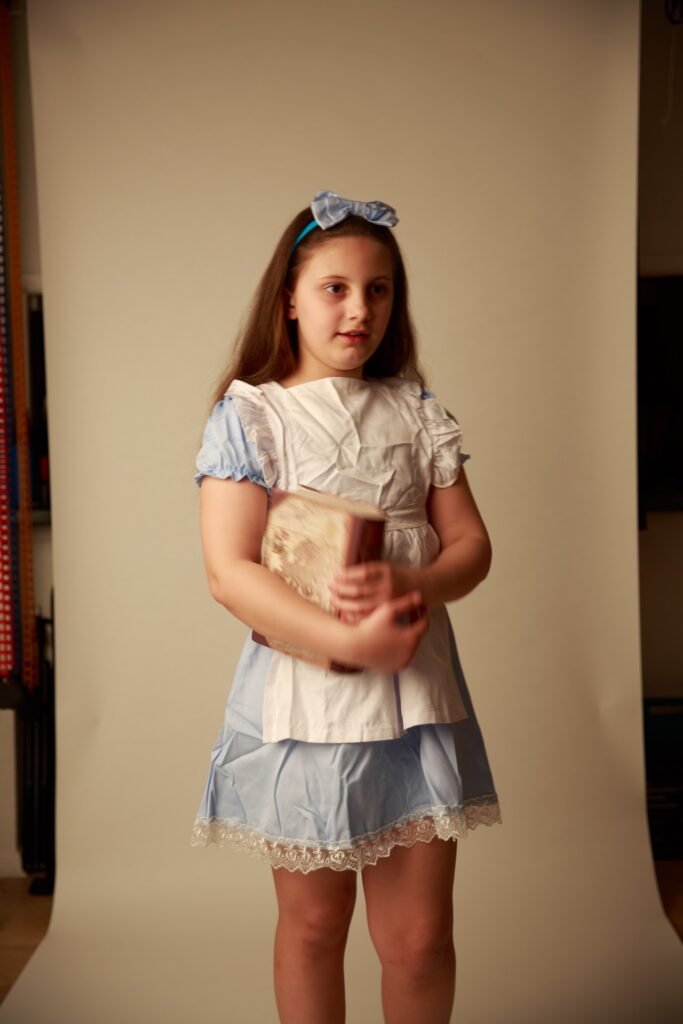
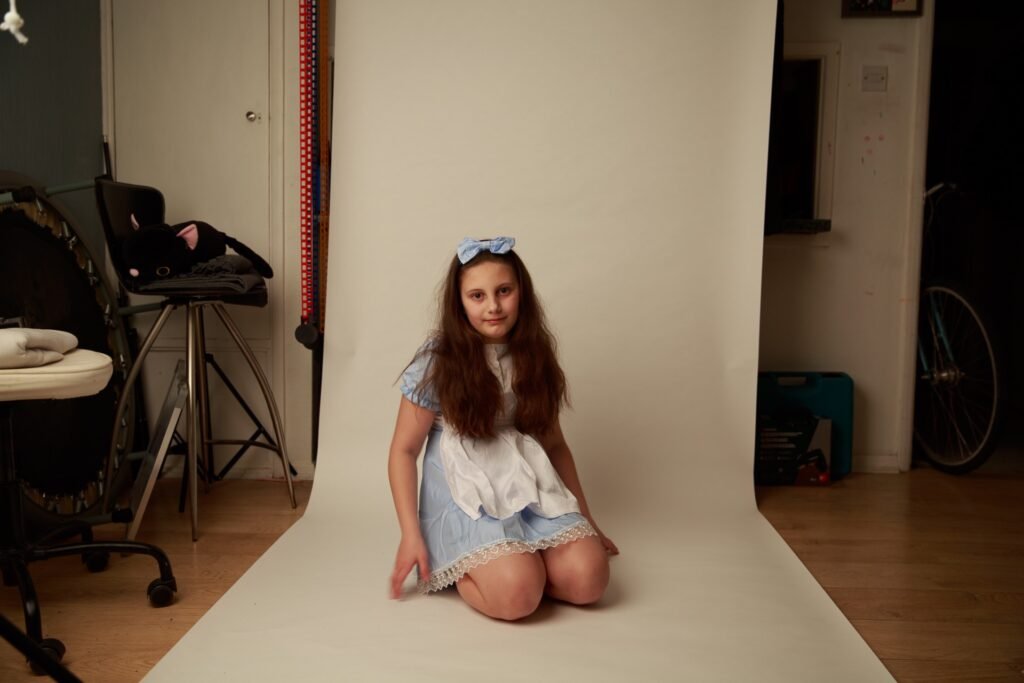
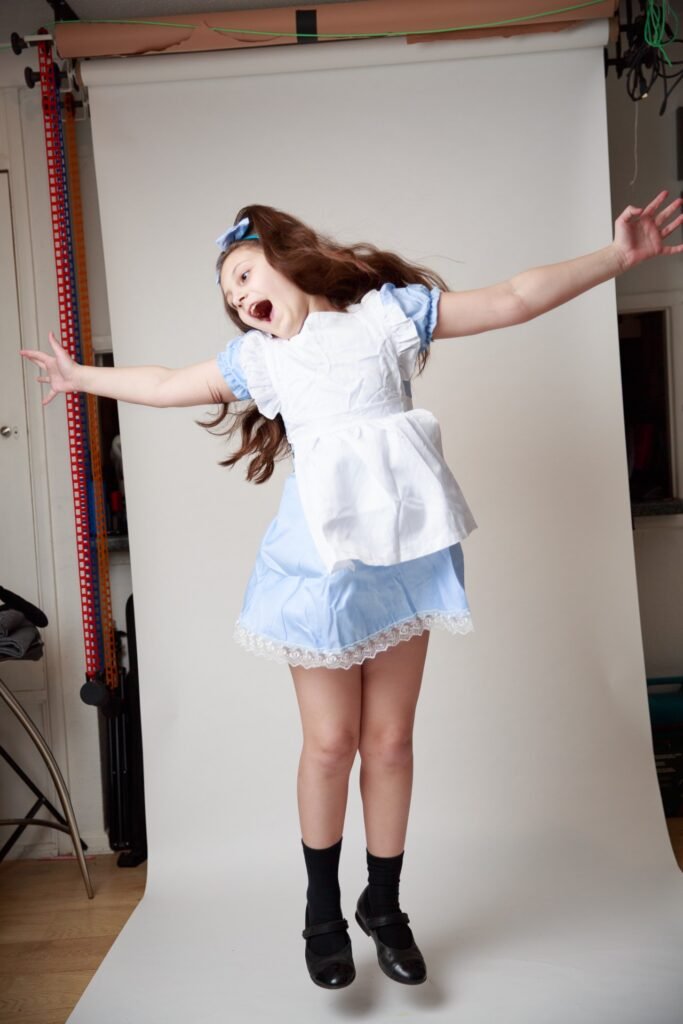
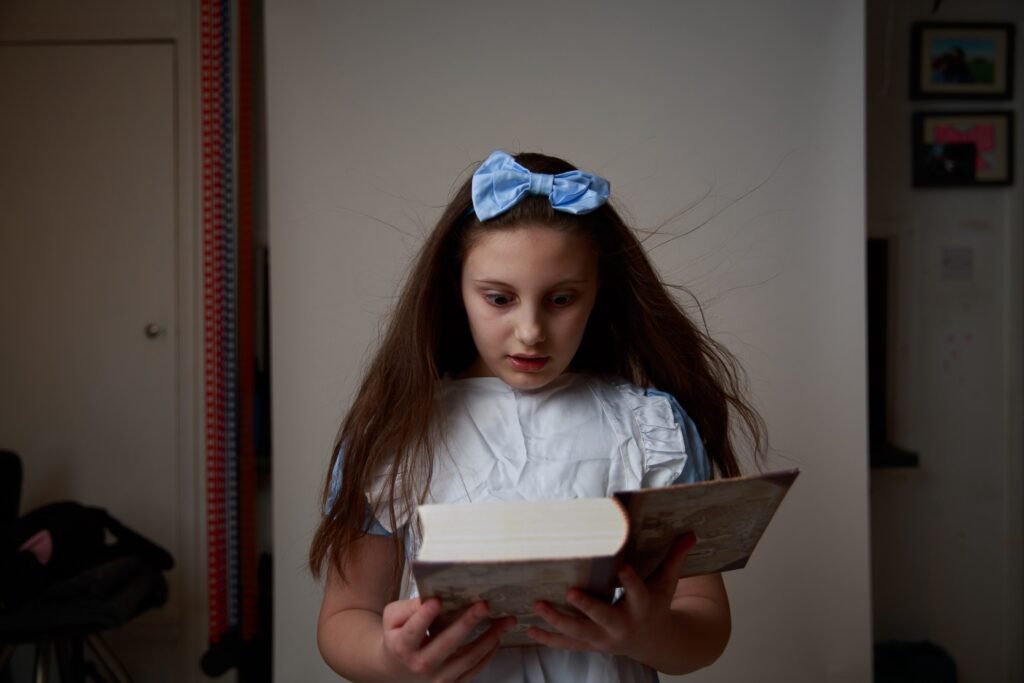
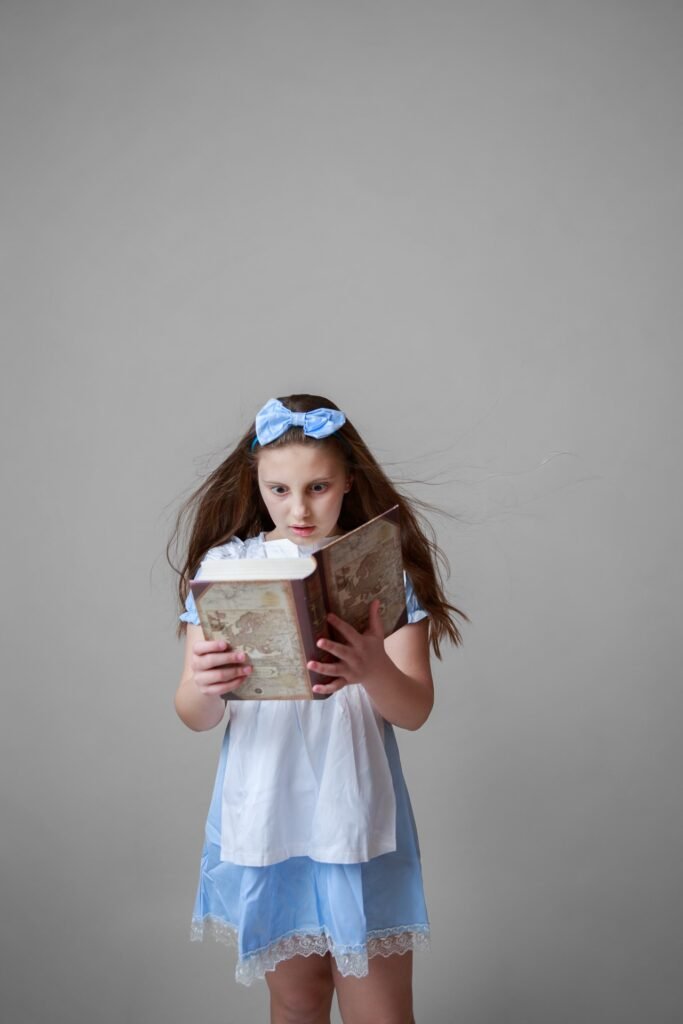
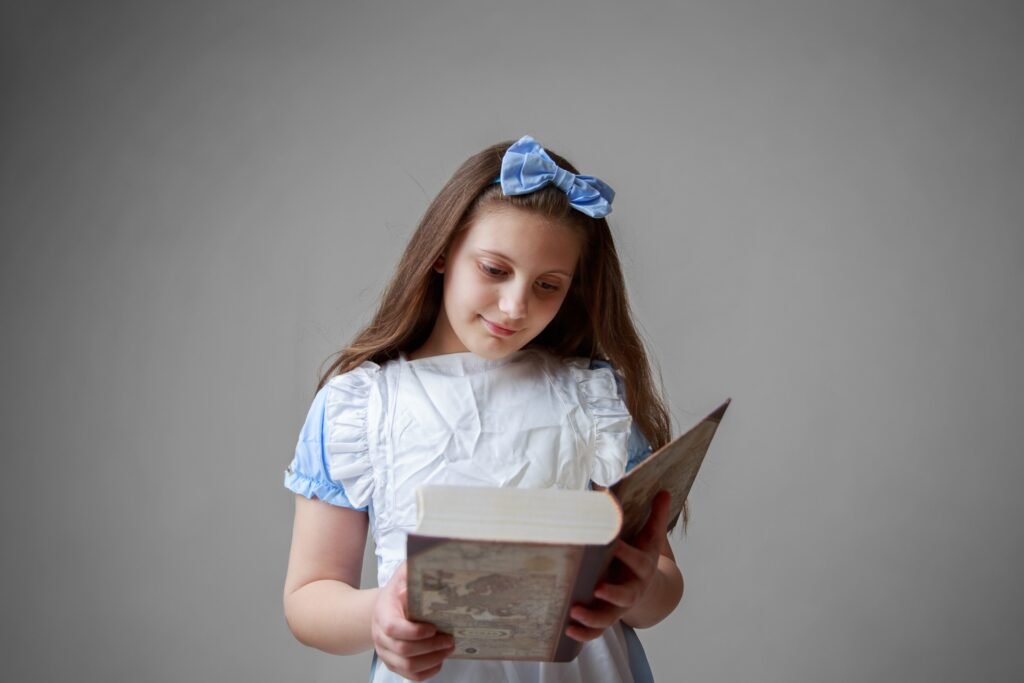
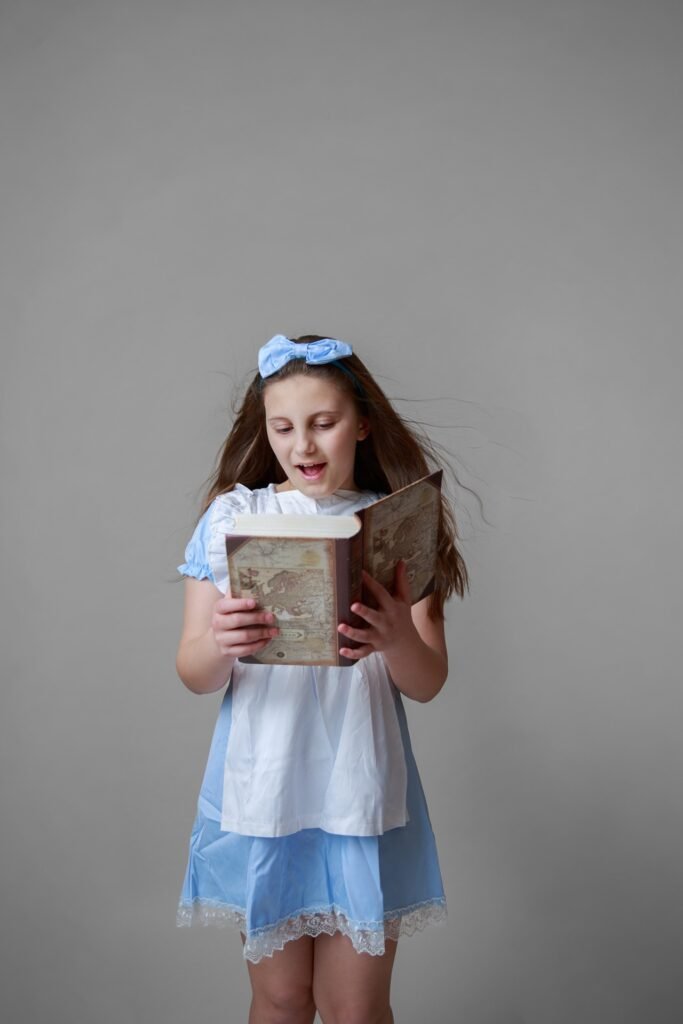
I have selected four images: two captured using the 1000W light and two taken with the speedlight flash. As observed, there is some movement blur in the photos produced with the 1000W light. This was due to the intention to maintain a low ISO setting, resulting in a shutter speed of 1/60s, which was insufficient to completely freeze motion, and the exposure was slightly under optimal levels. However, since the images were shot in RAW format, I was confident that I could enhance the exposure in Adobe Lightroom without compromising image quality. Conversely, the two images taken with the speedlight flash benefited from a faster shutter speed of 1/200s, which effectively froze motion. I intentionally kept these images marginally underexposed to avoid overexposing highlights, which are notoriously difficult to recover in post-processing.
The subsequent step involved culling and editing in Adobe Lightroom. From a total of 165 photographs, only the following were selected:
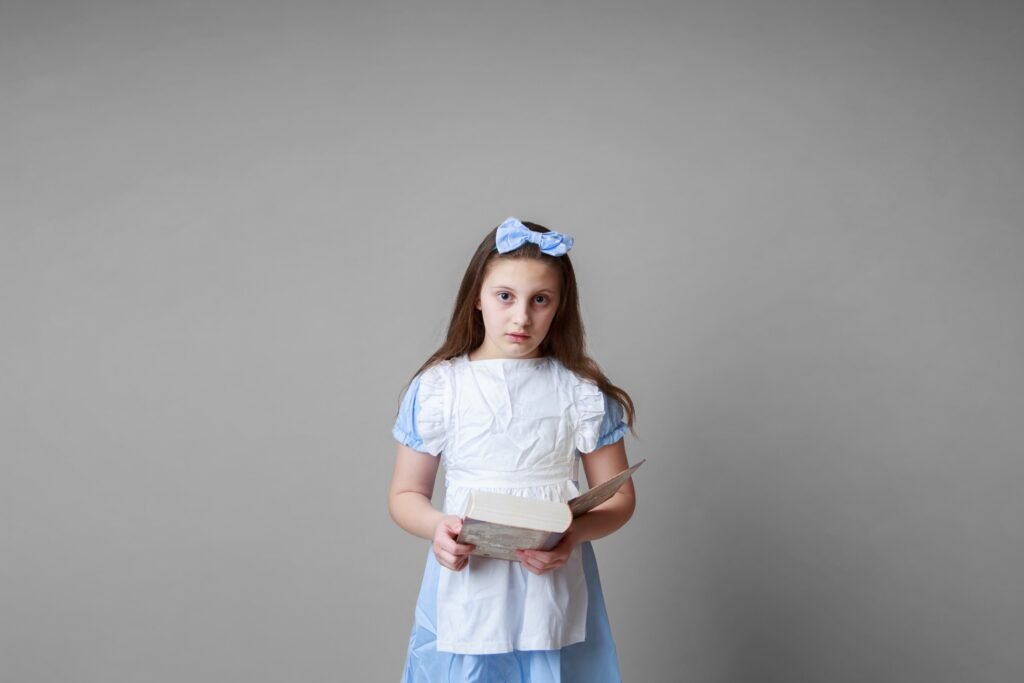
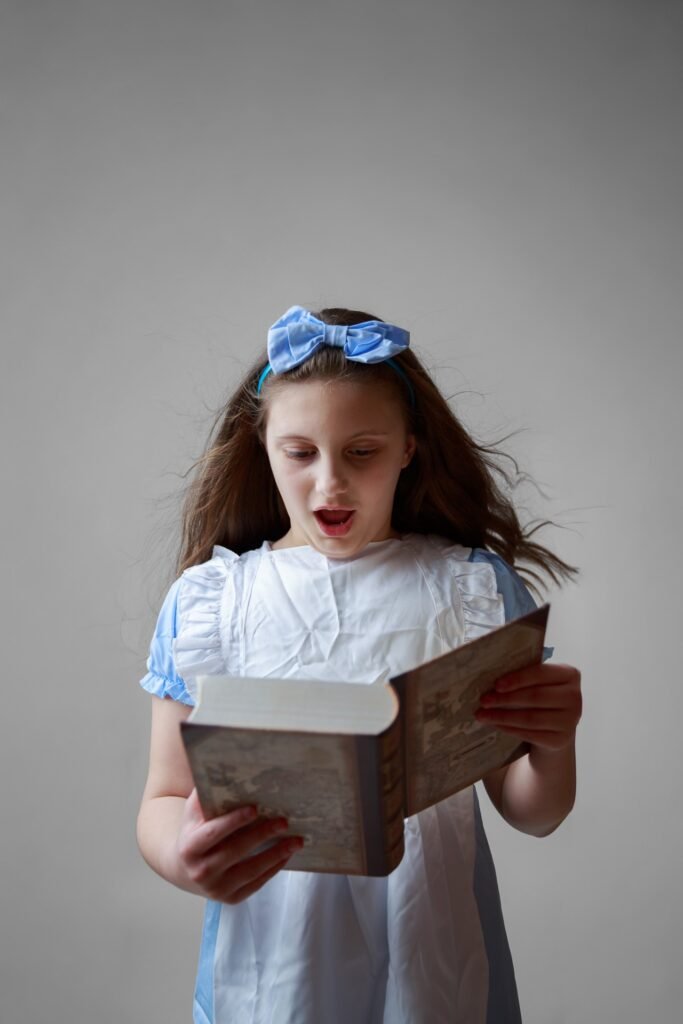
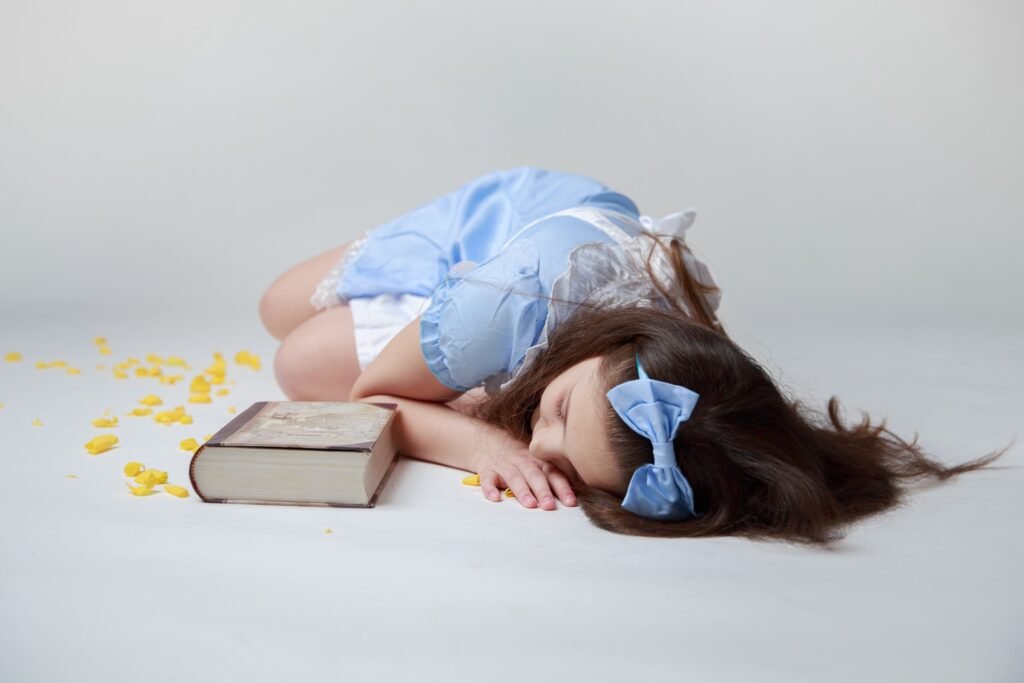
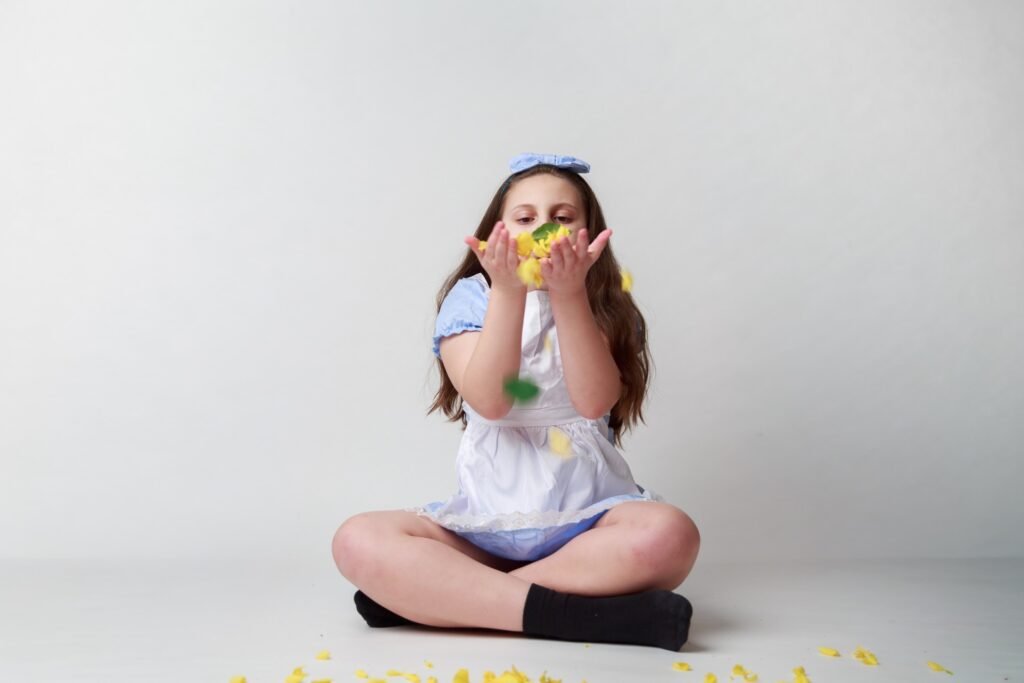
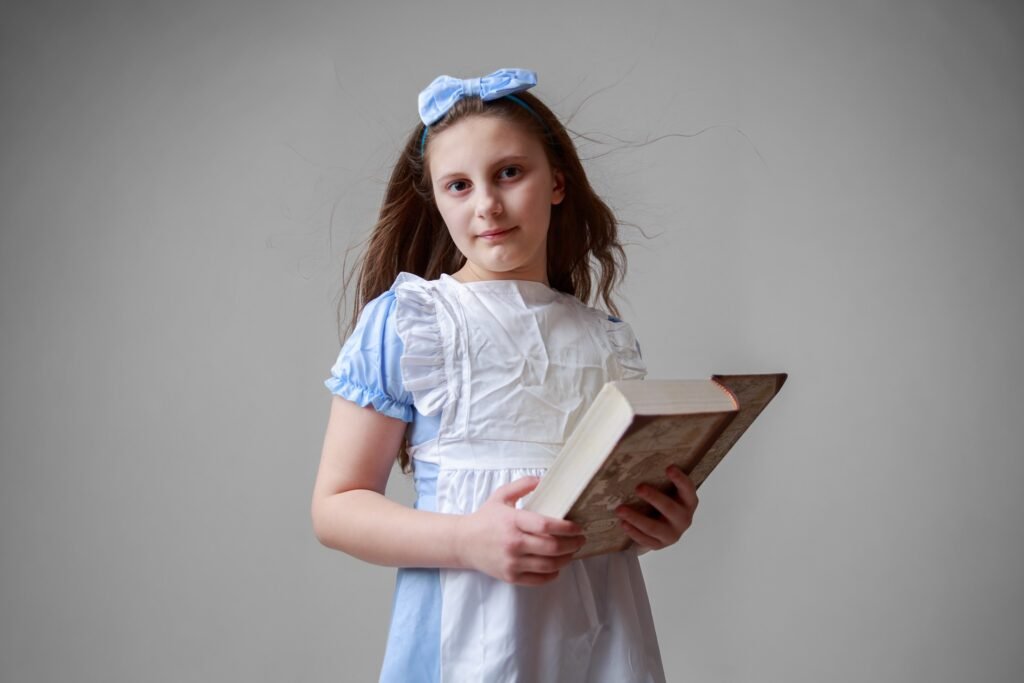
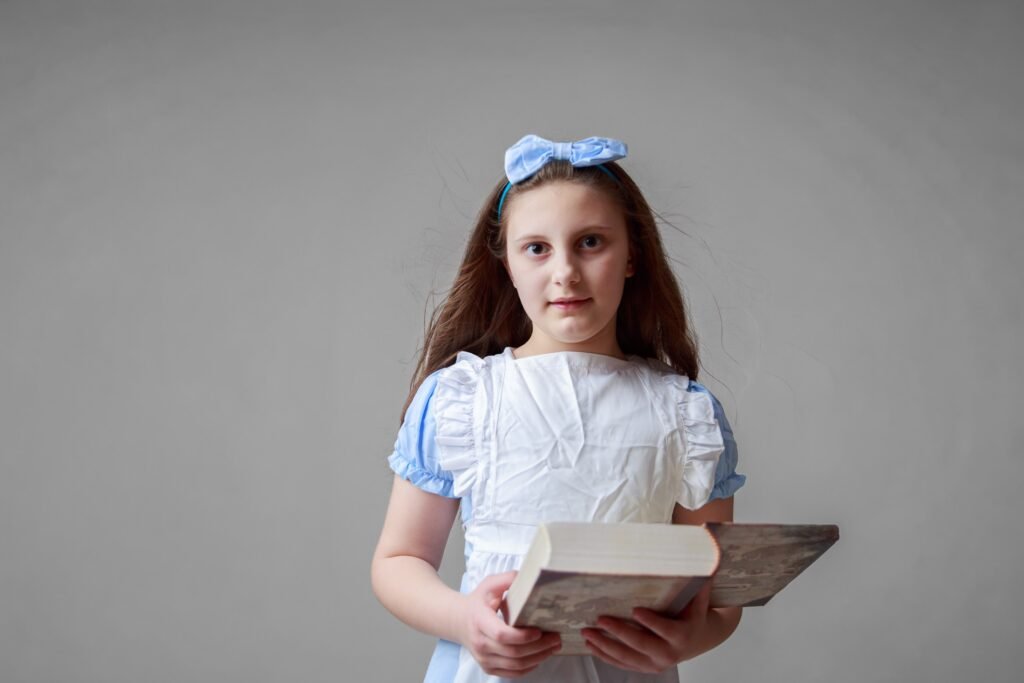
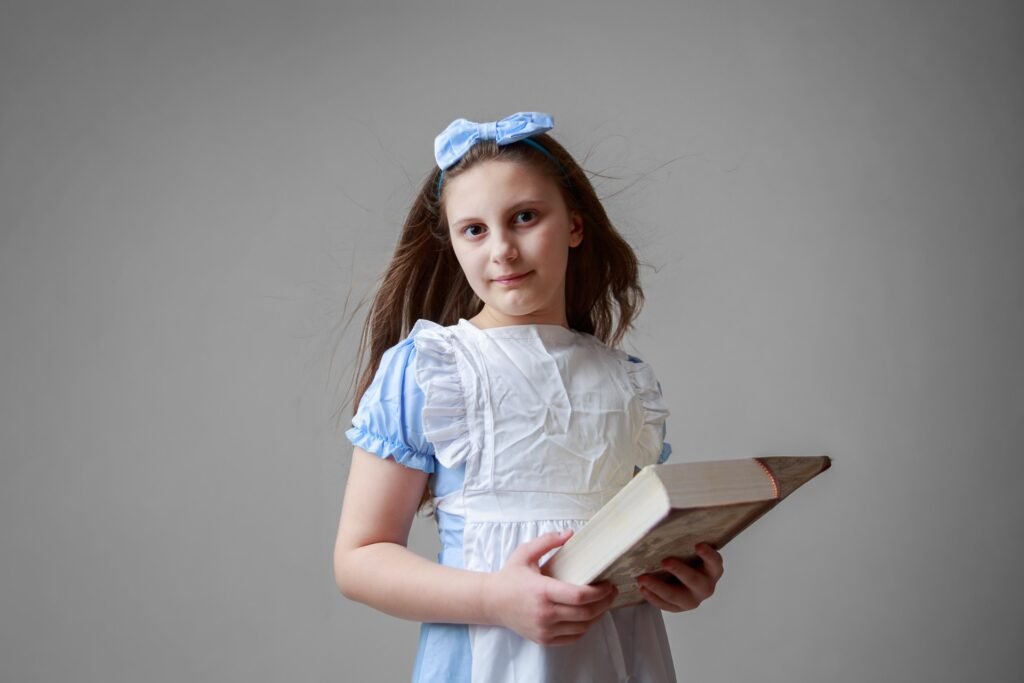
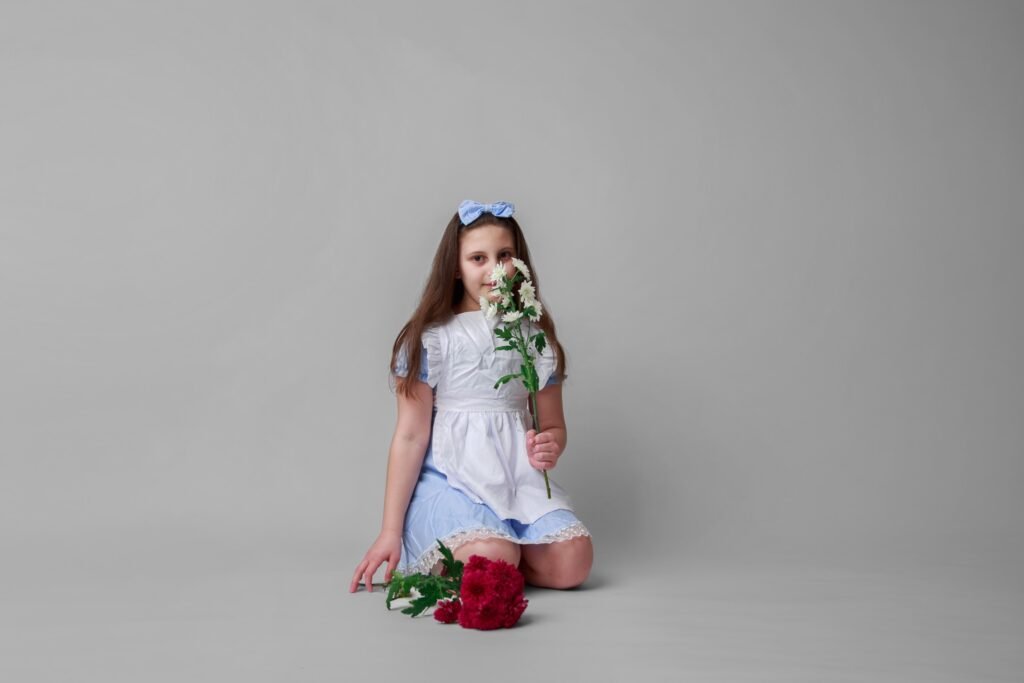
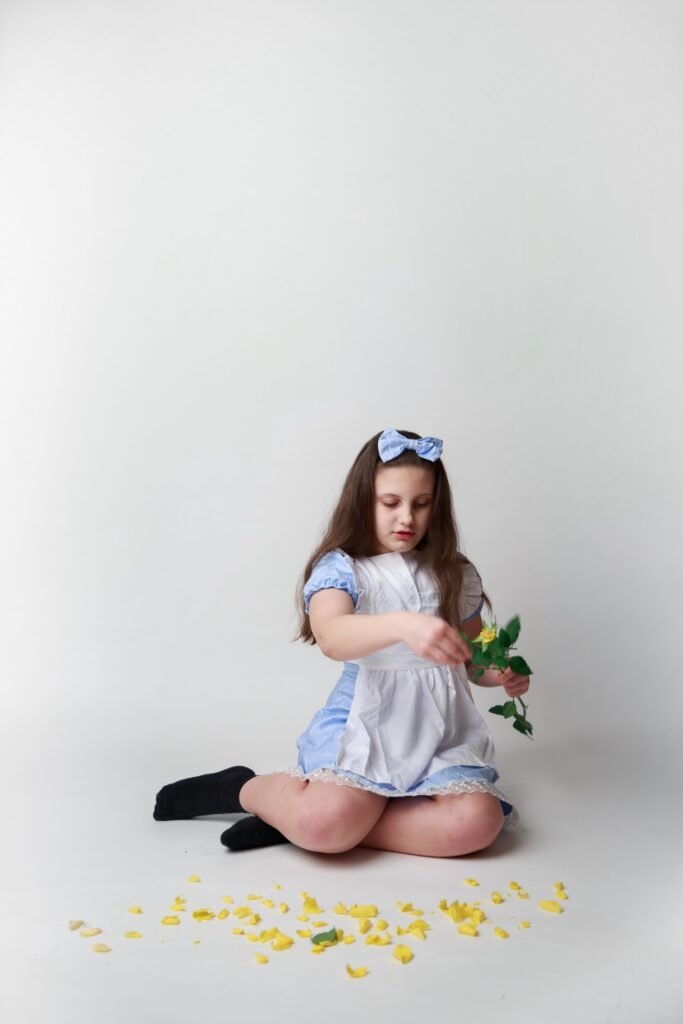
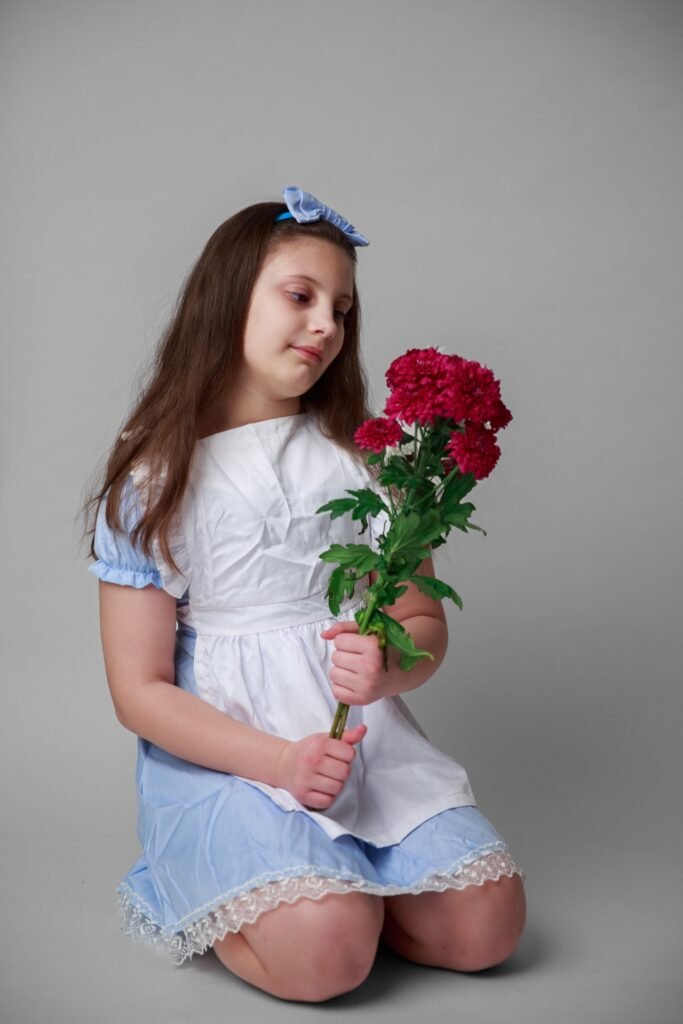
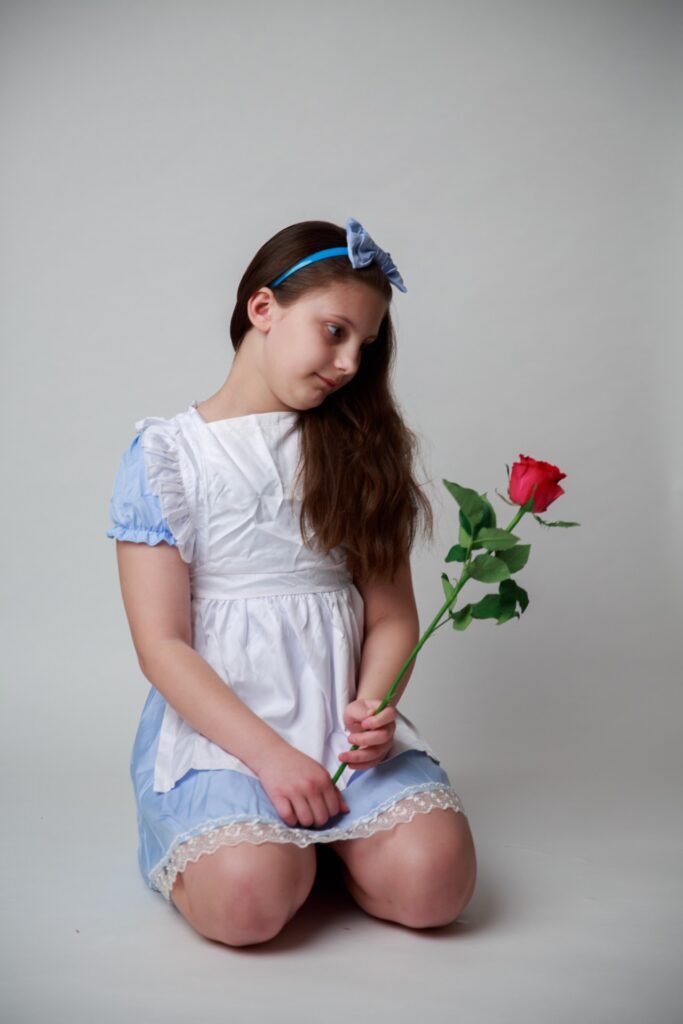
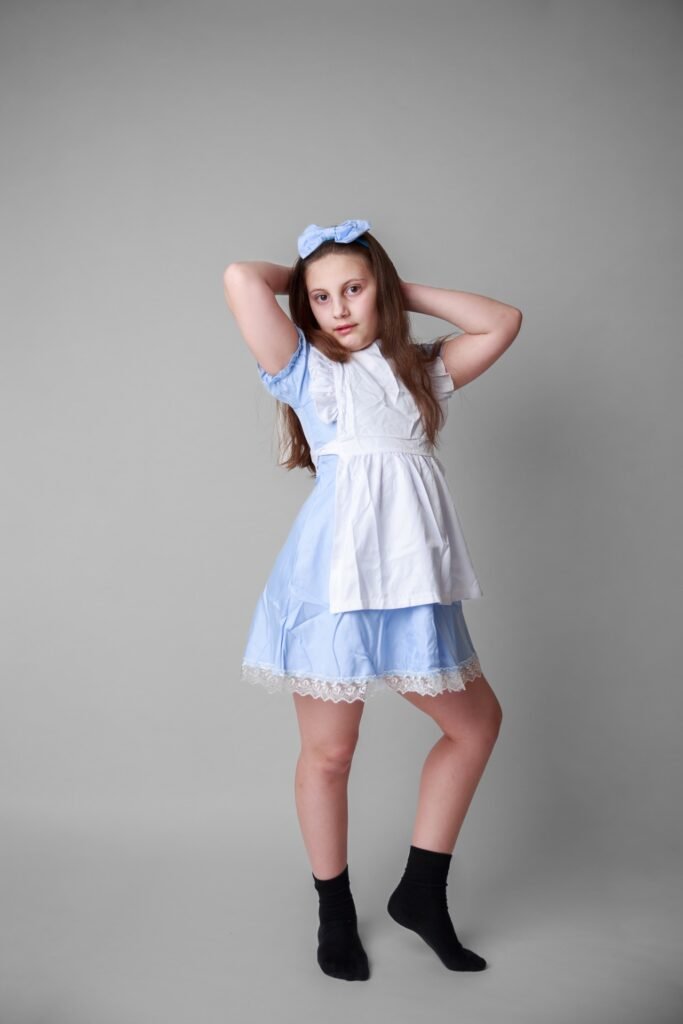
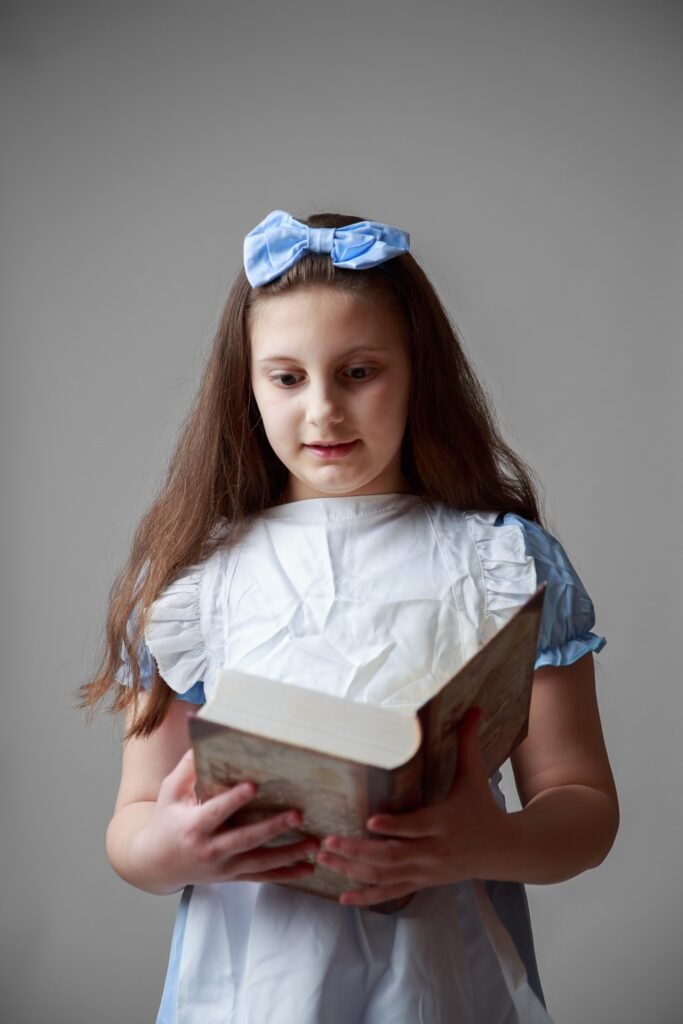
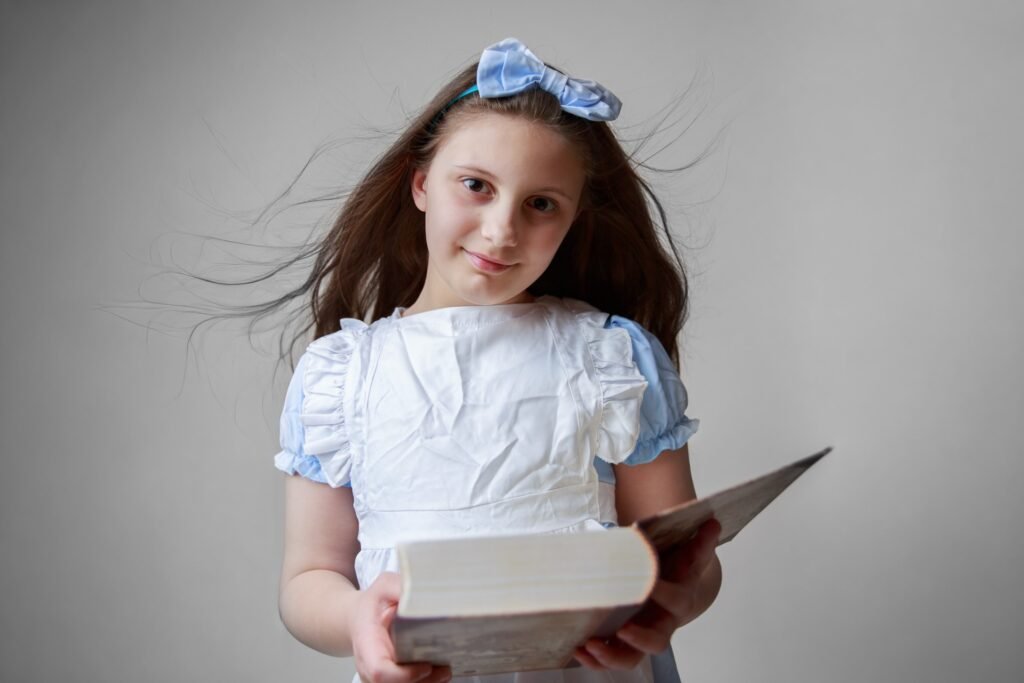
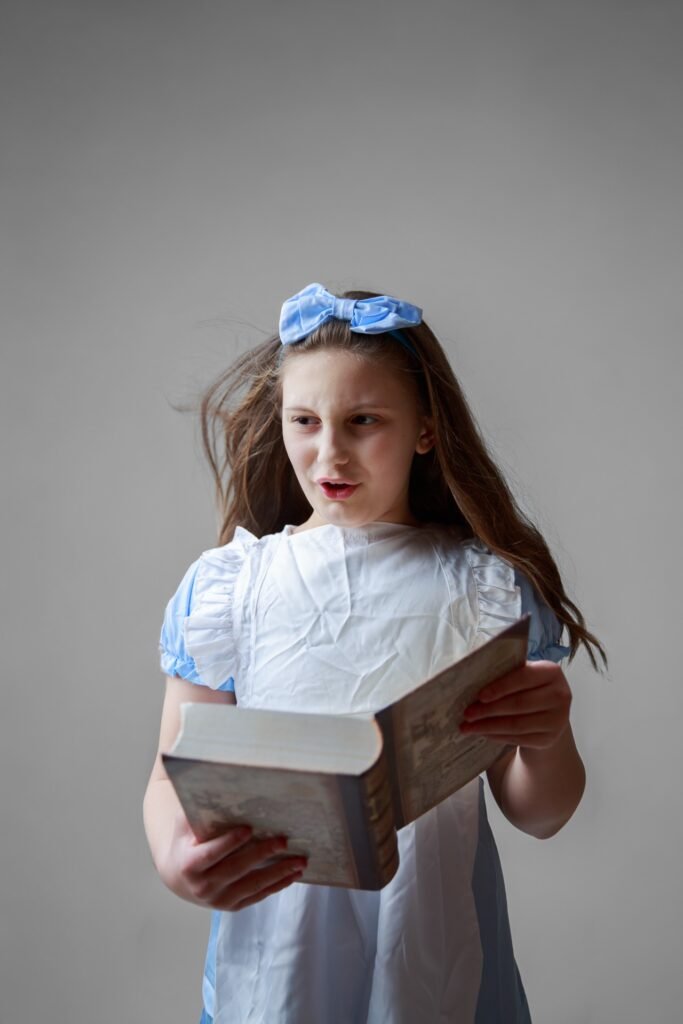
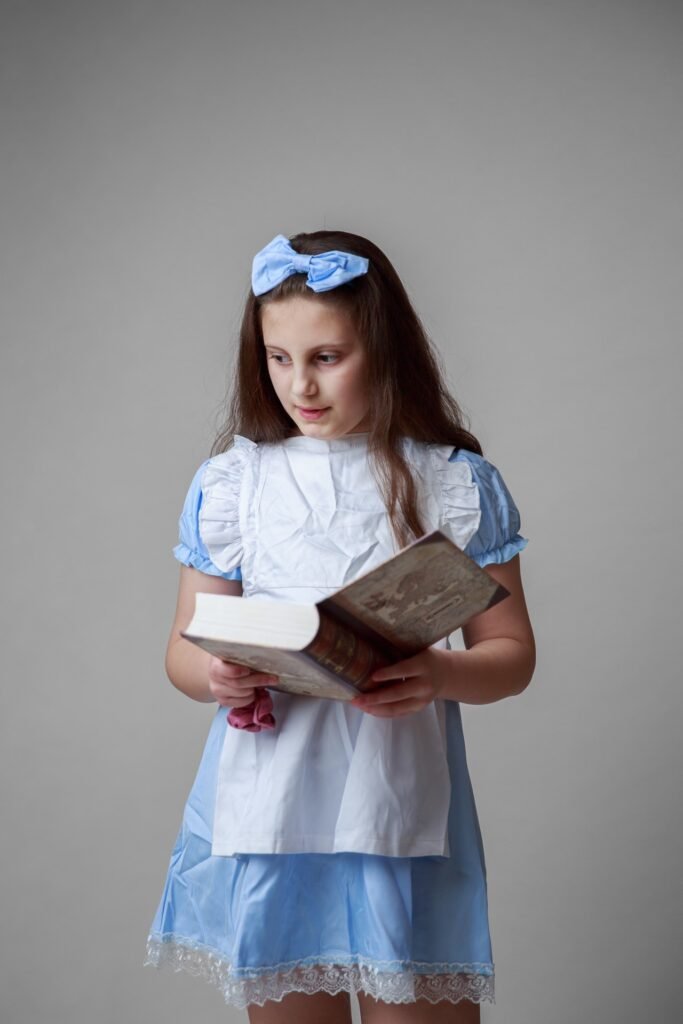
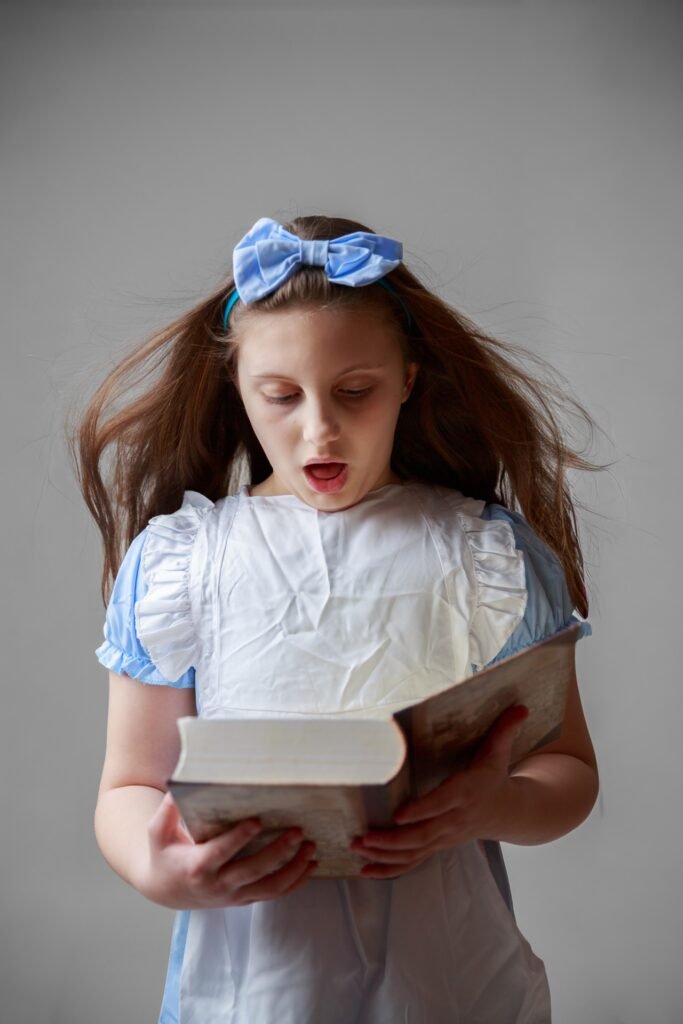
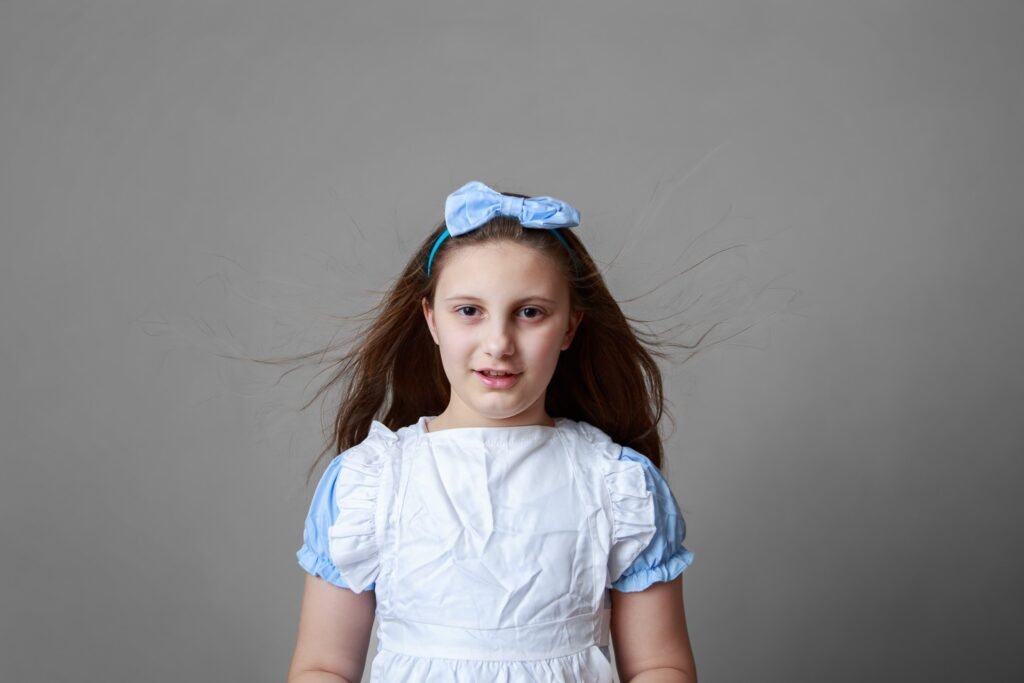
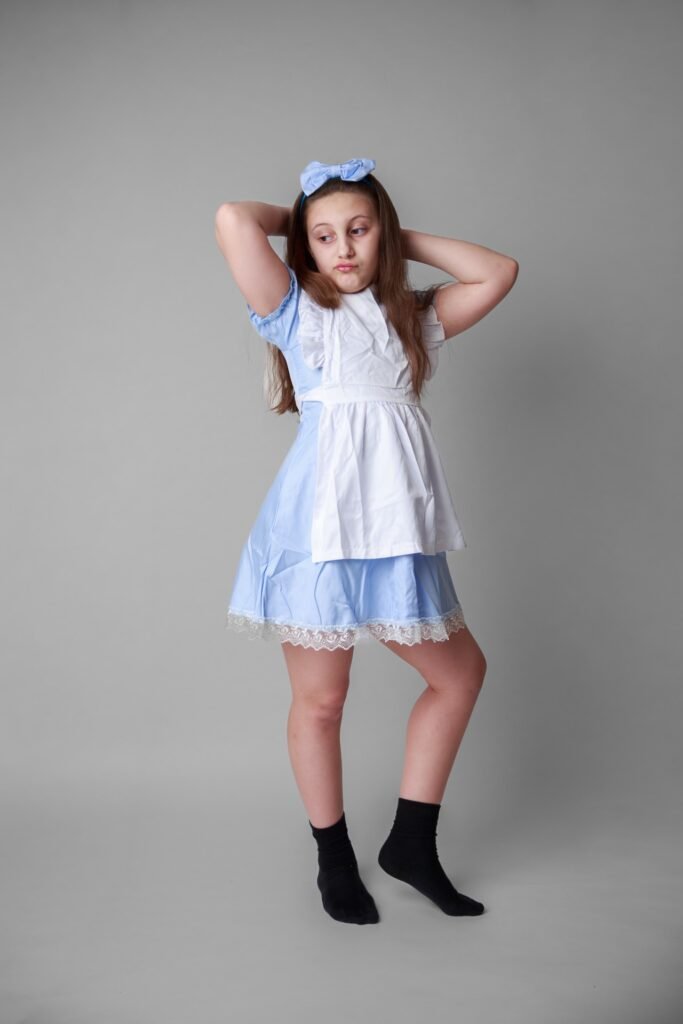
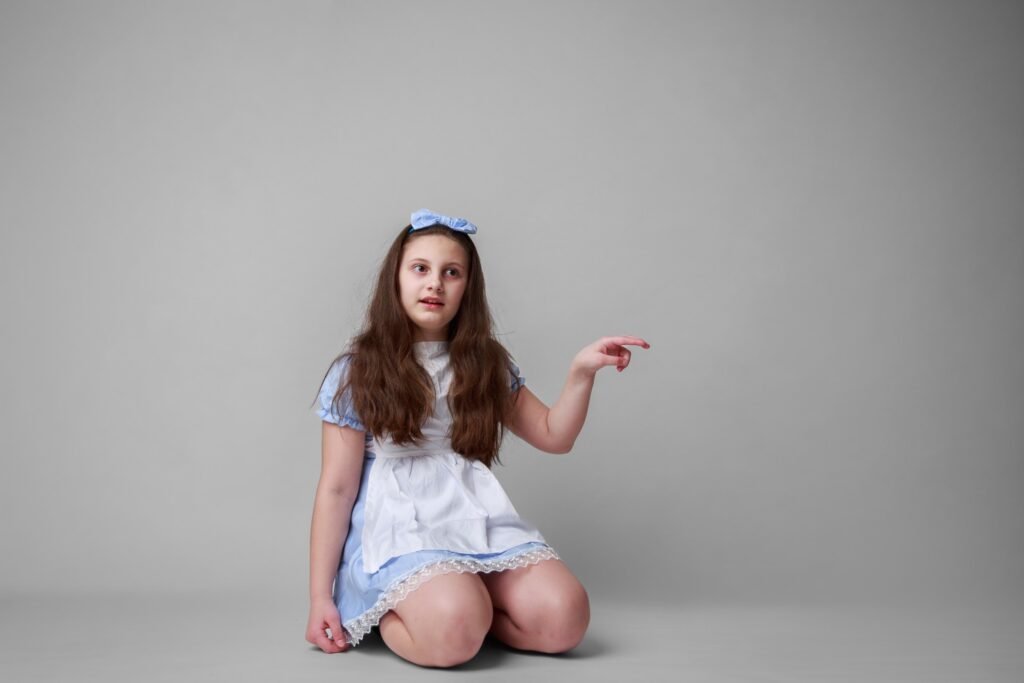
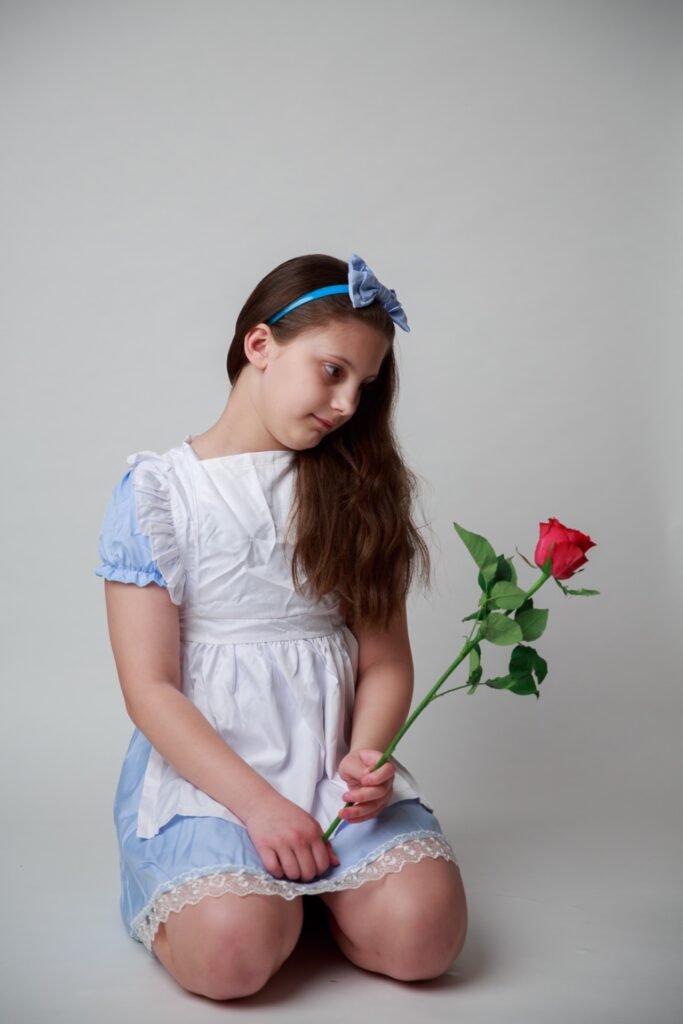
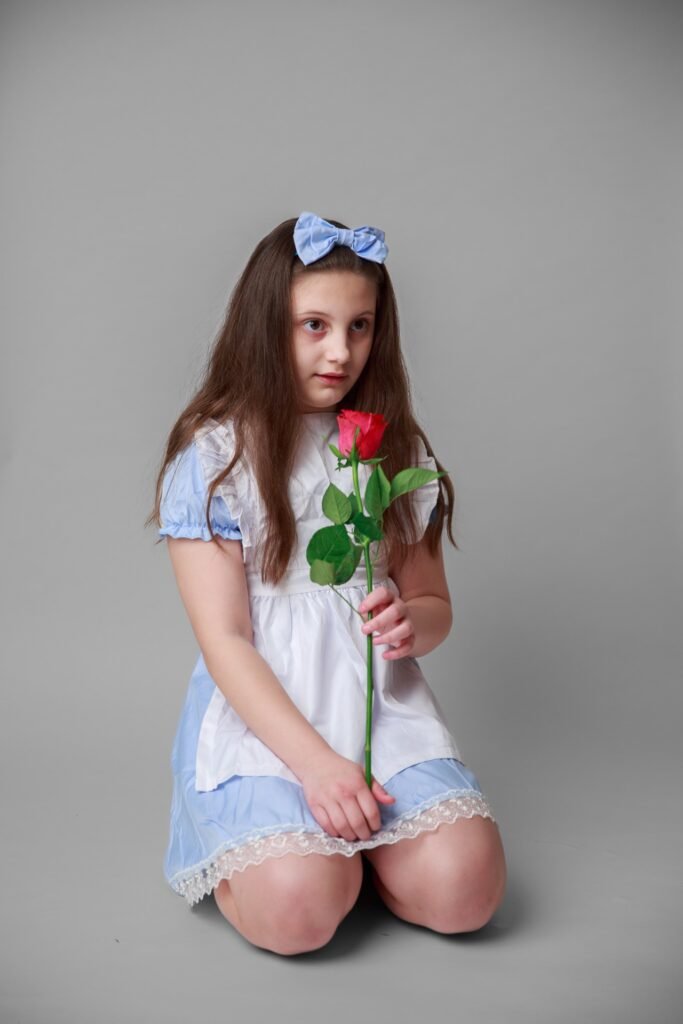
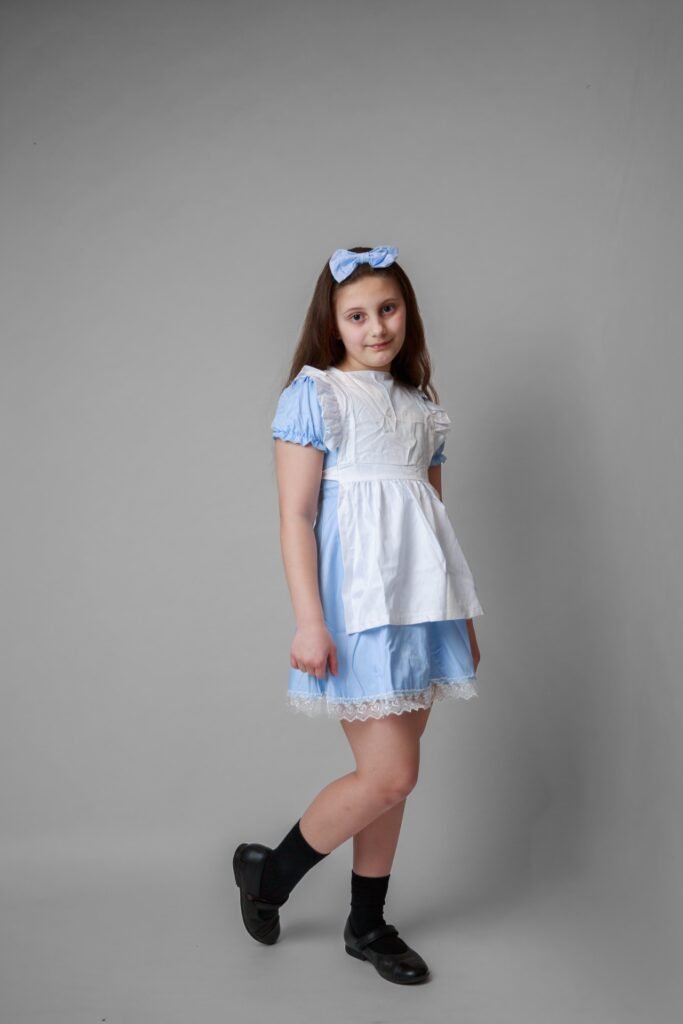
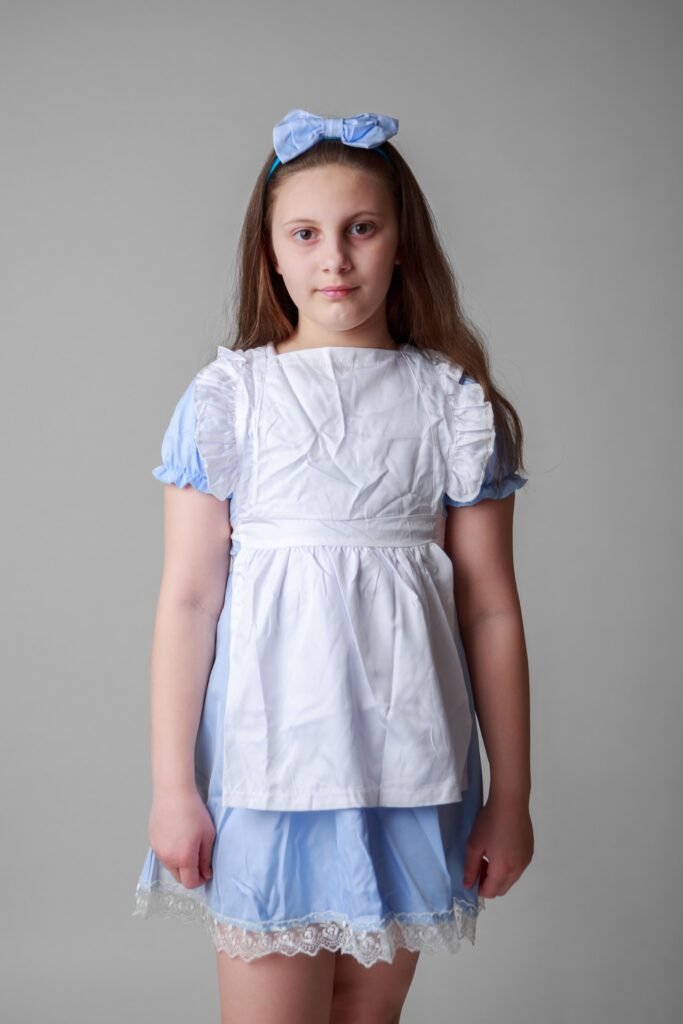
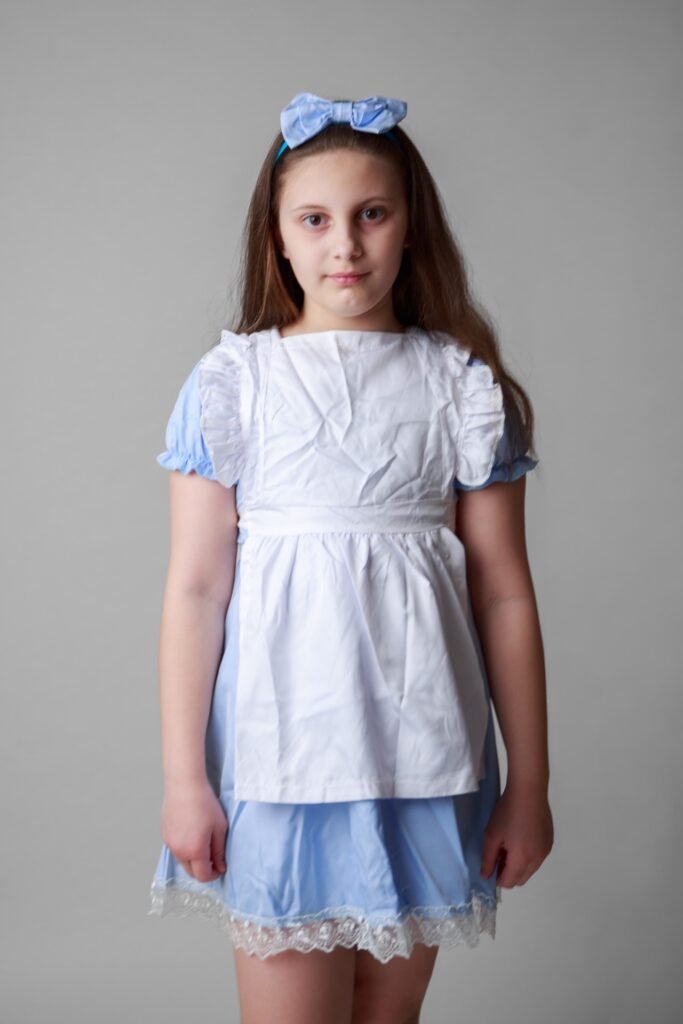
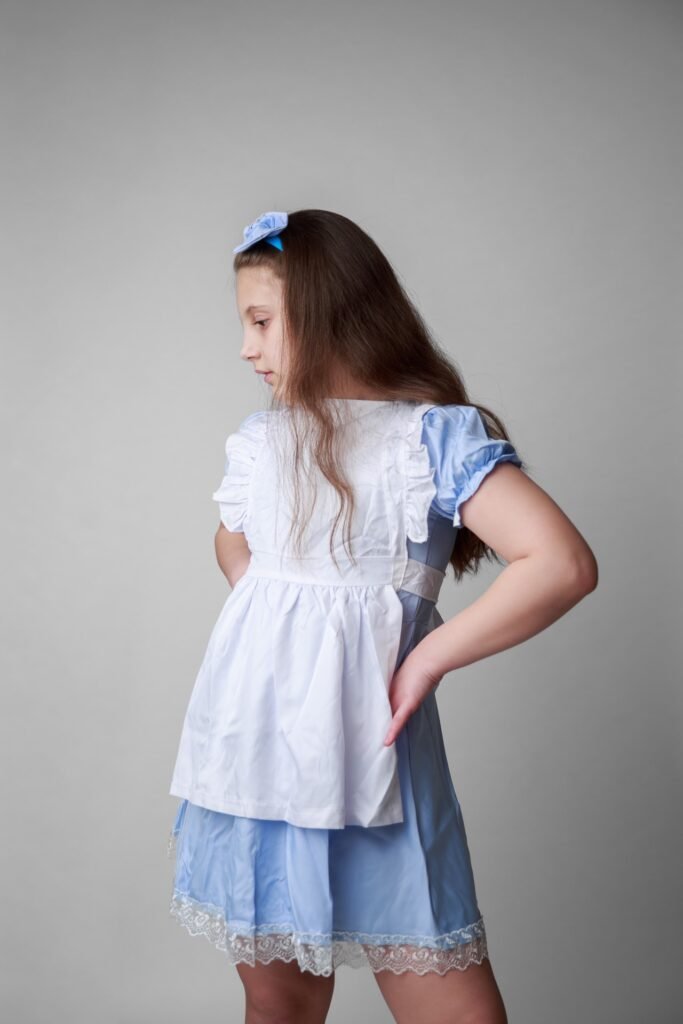
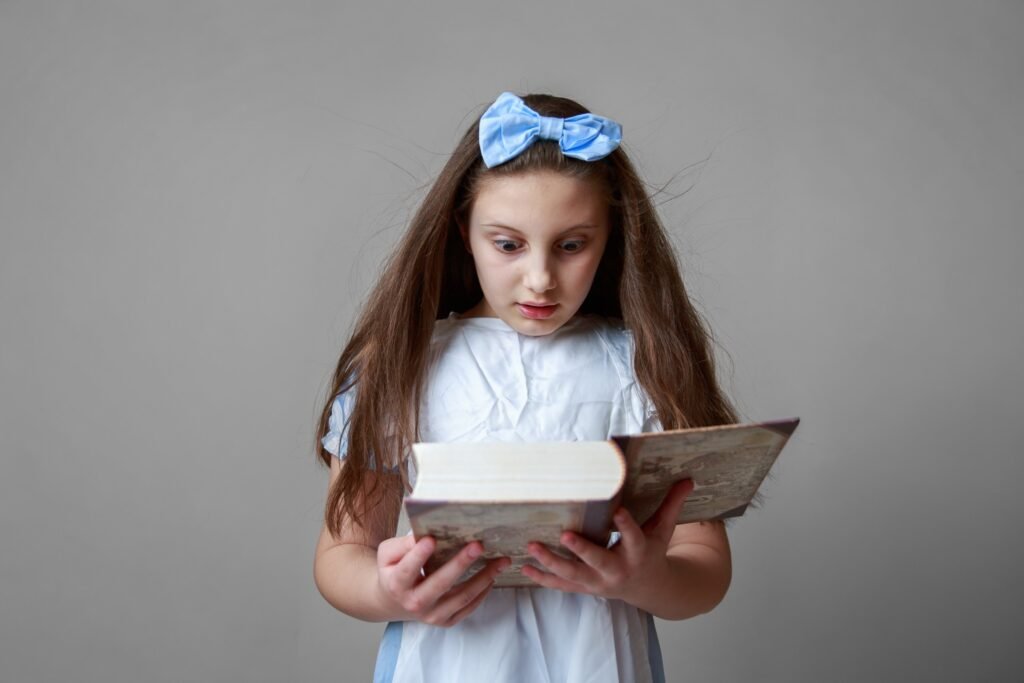
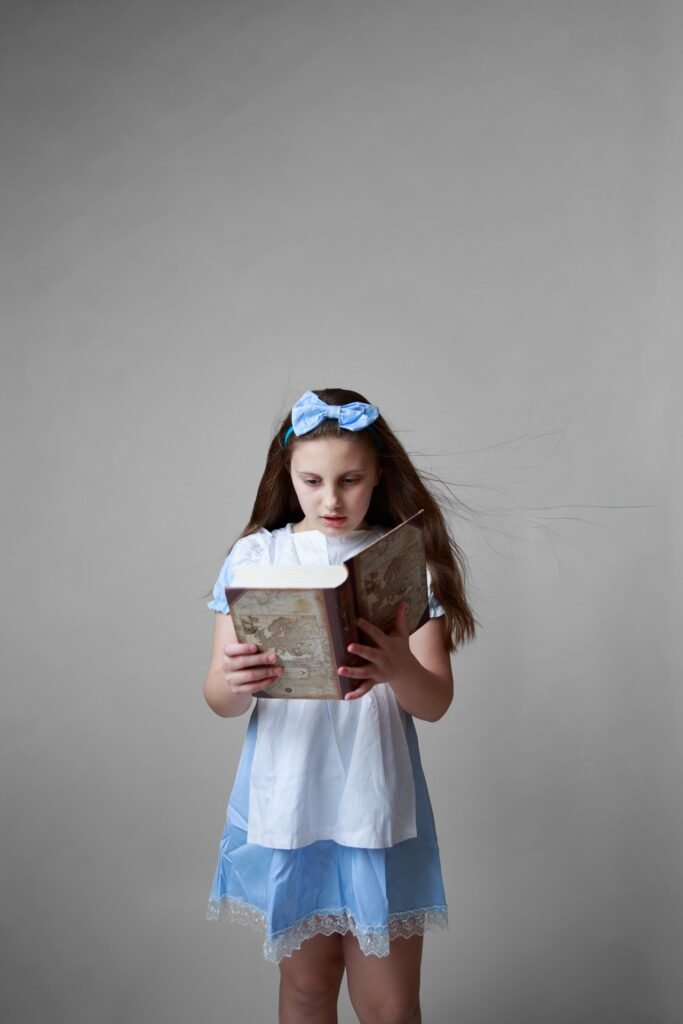
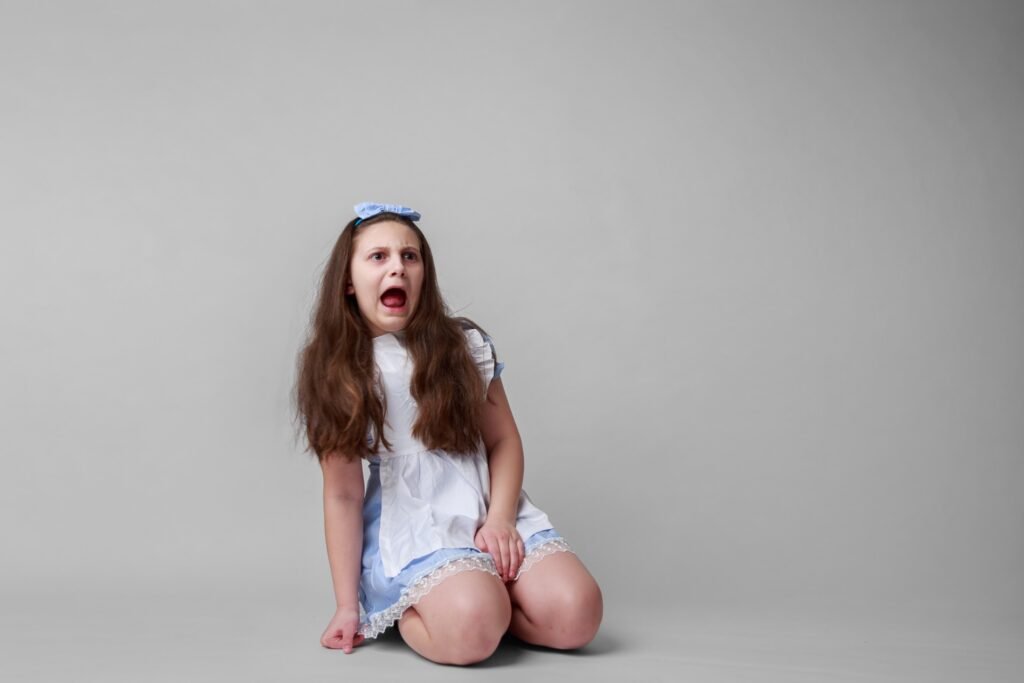
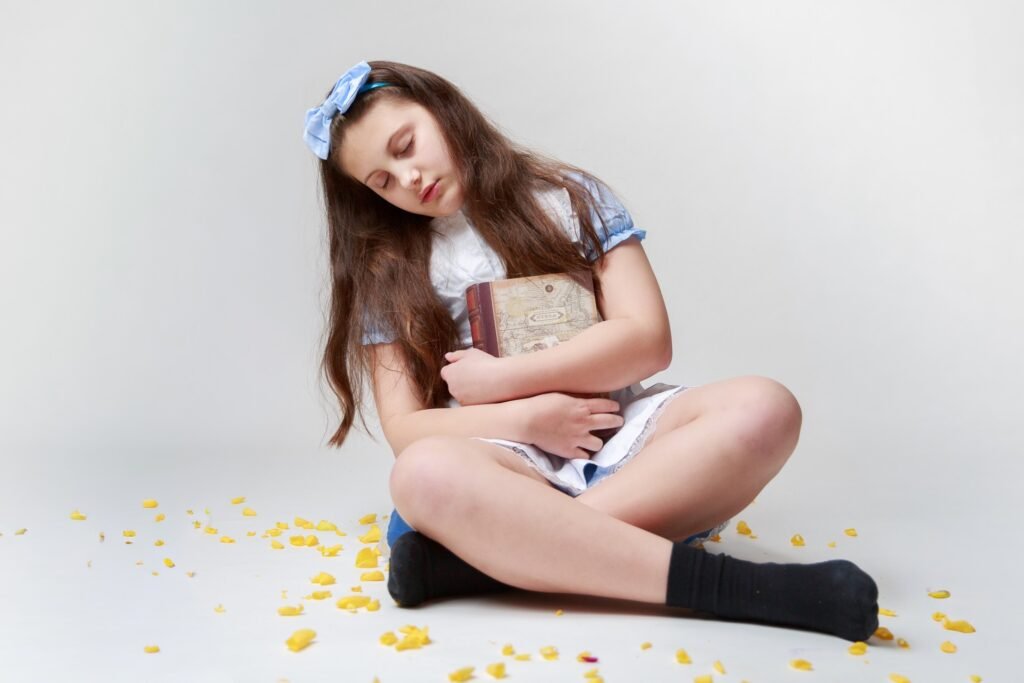
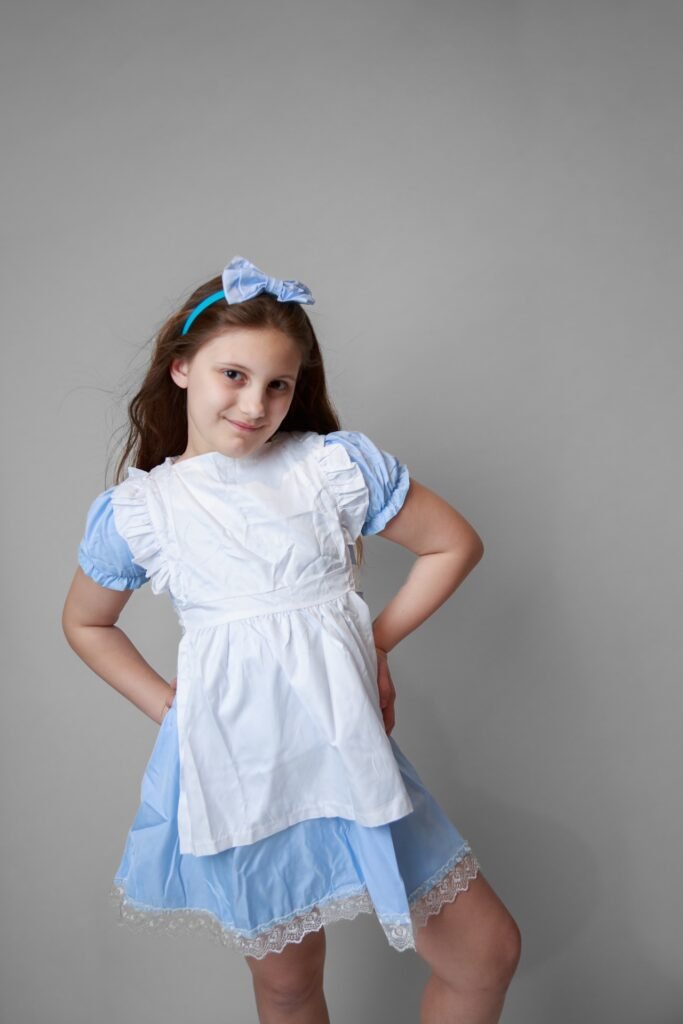
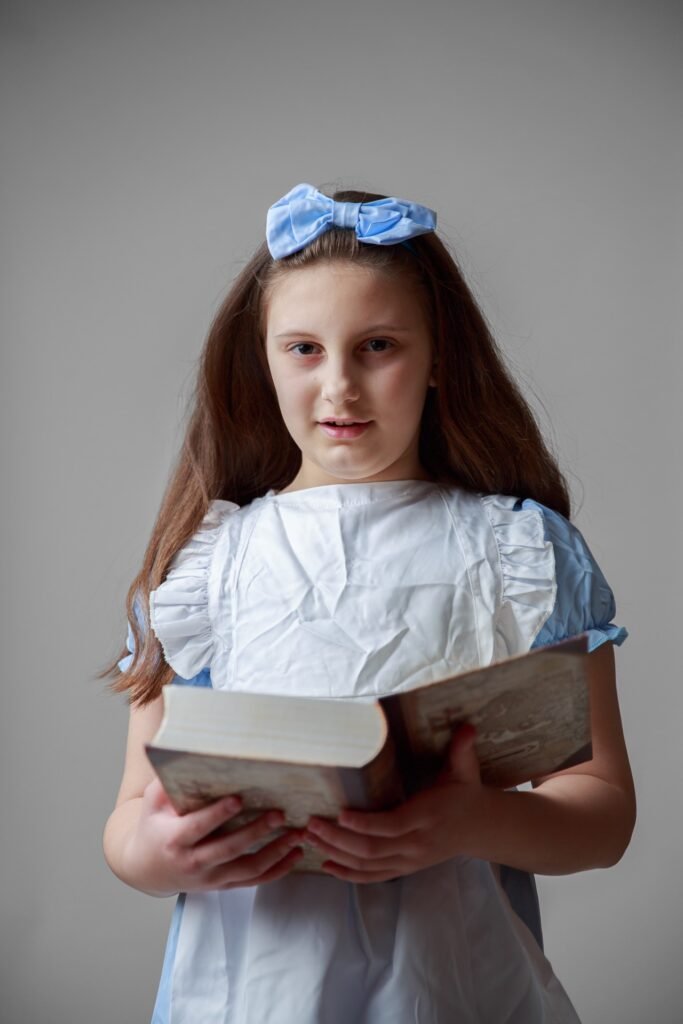
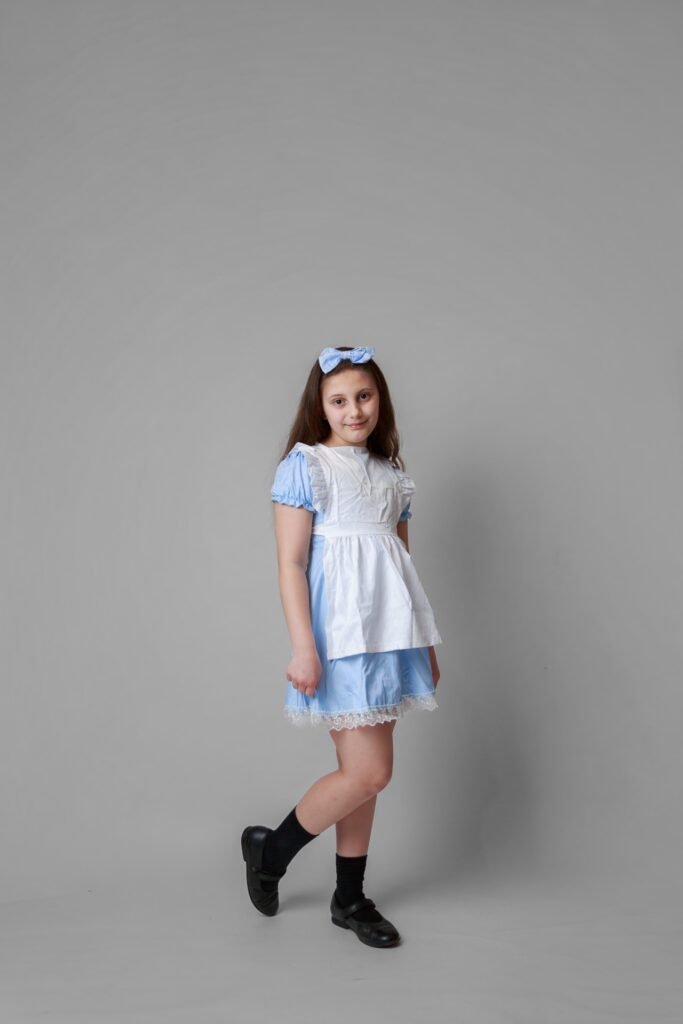
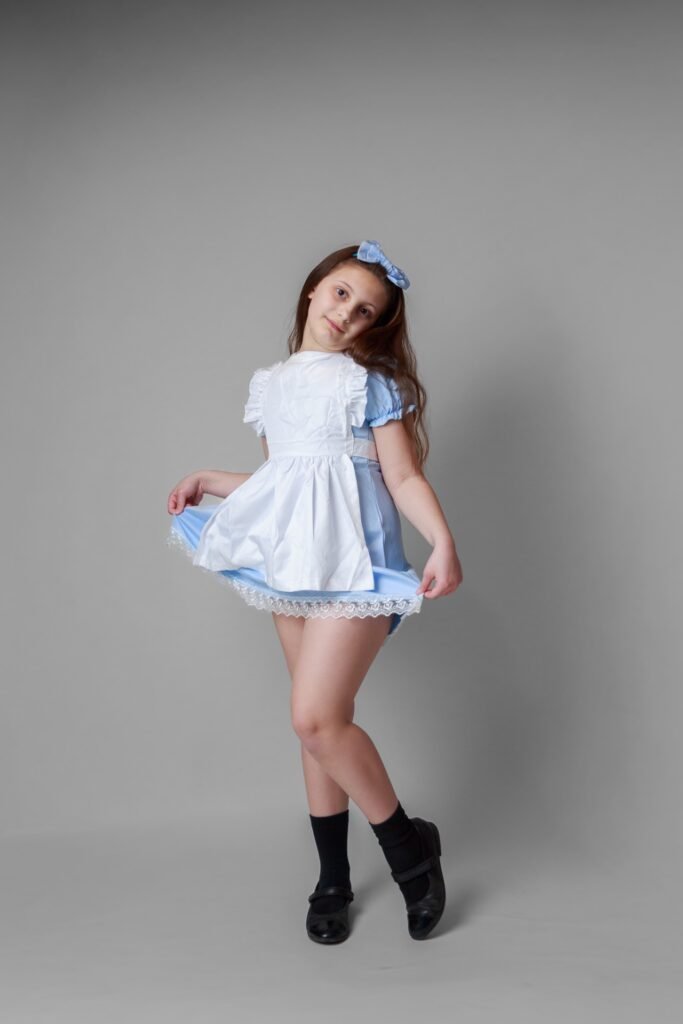
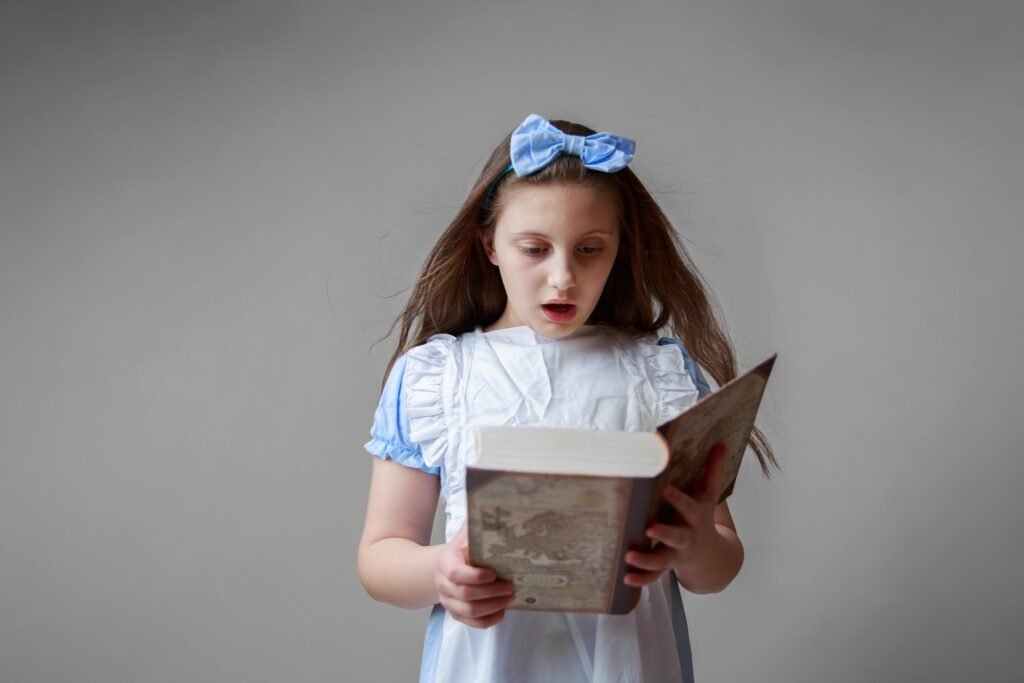
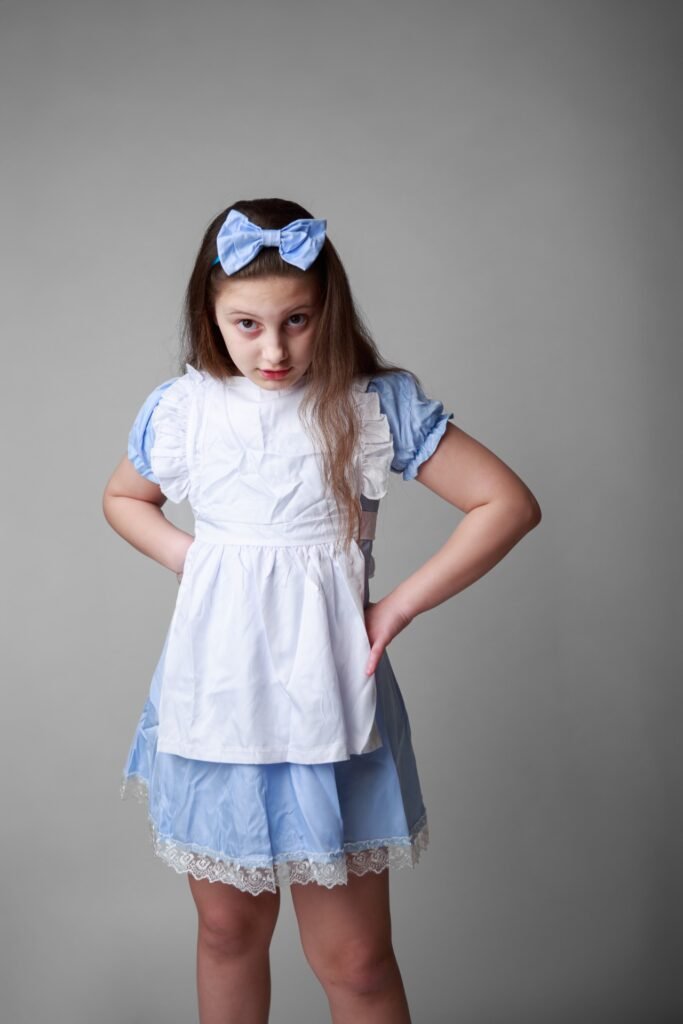
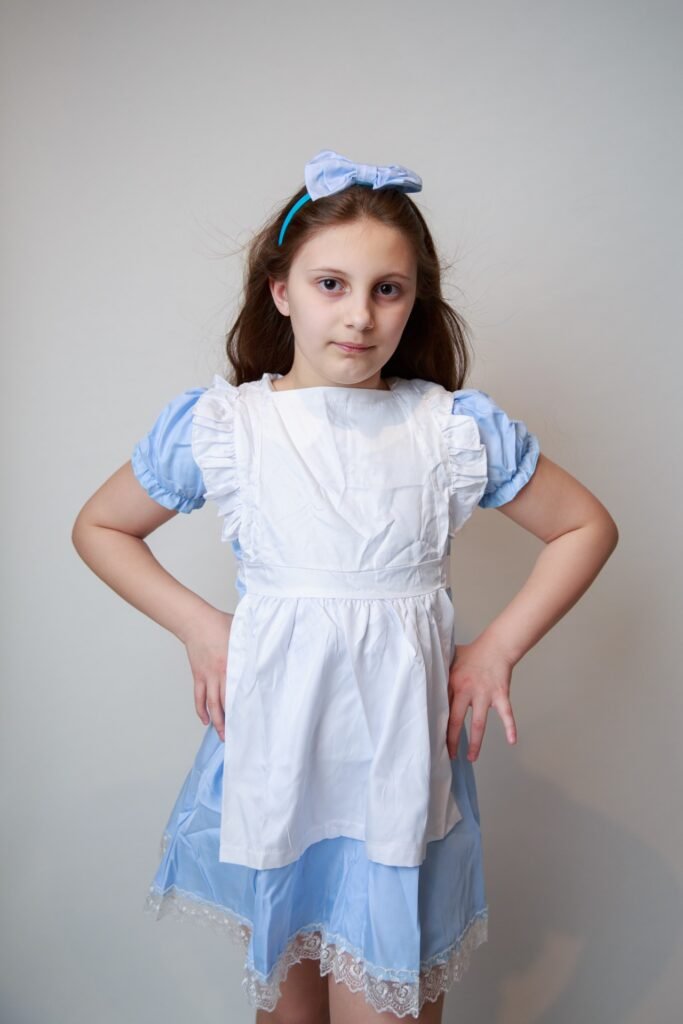
A few years ago, I would have been satisfied with the results and considered the task complete, but with the abundance of AI tools available nowadays, I decided to approach it in a more refined manner.
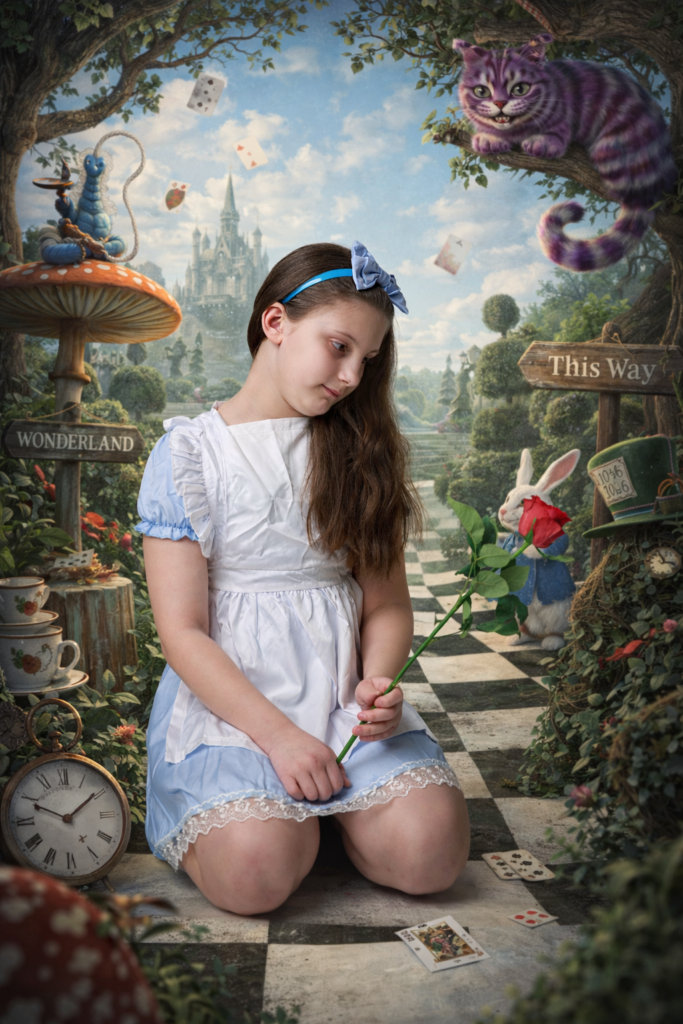
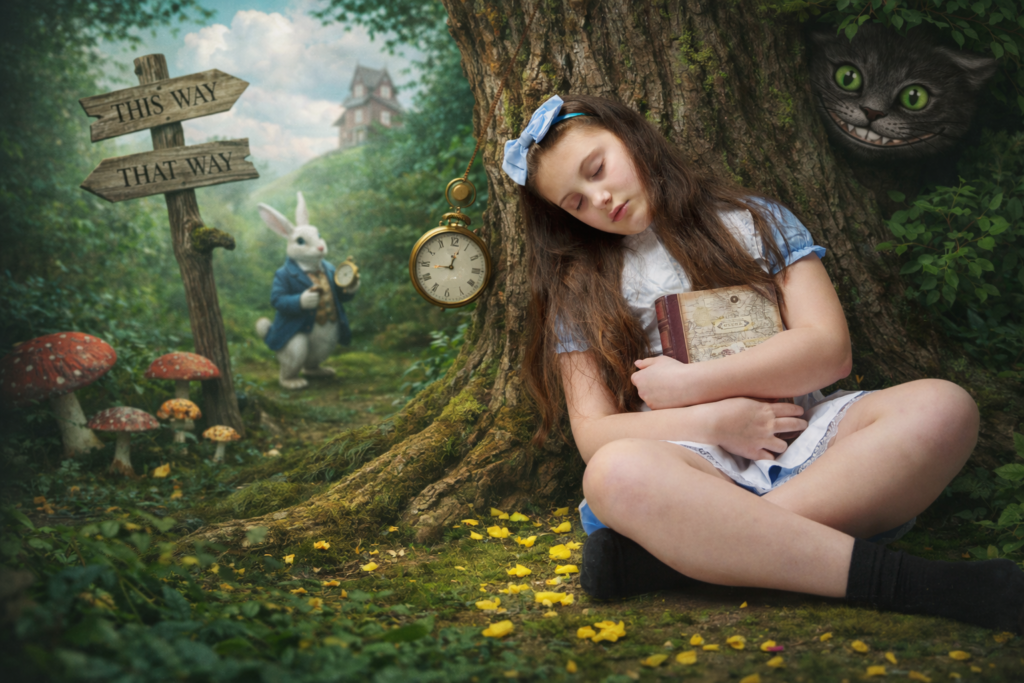
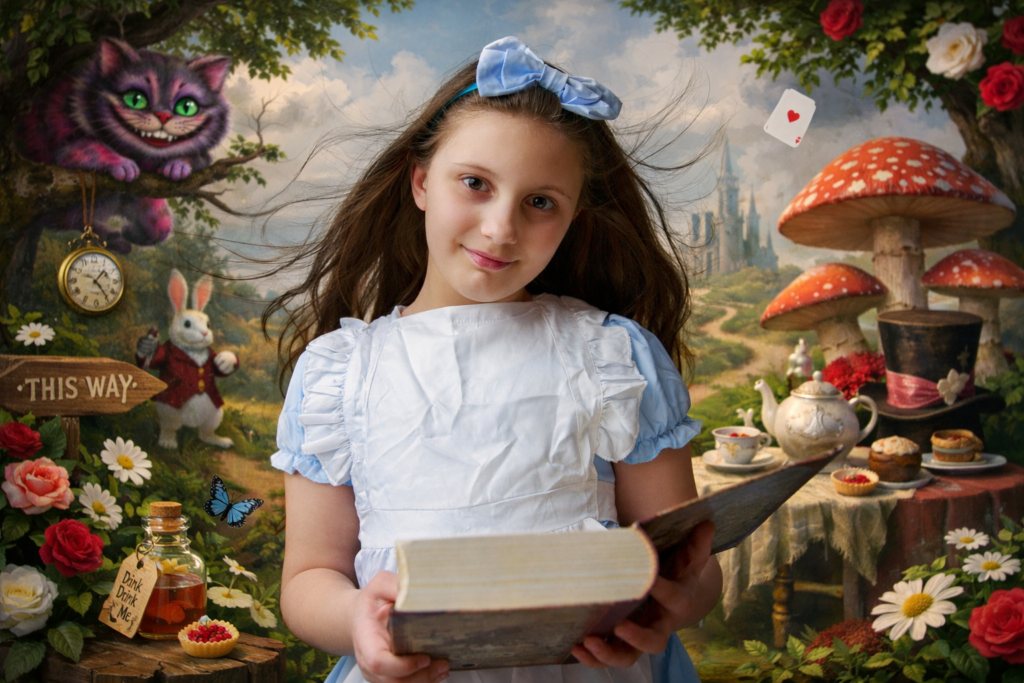
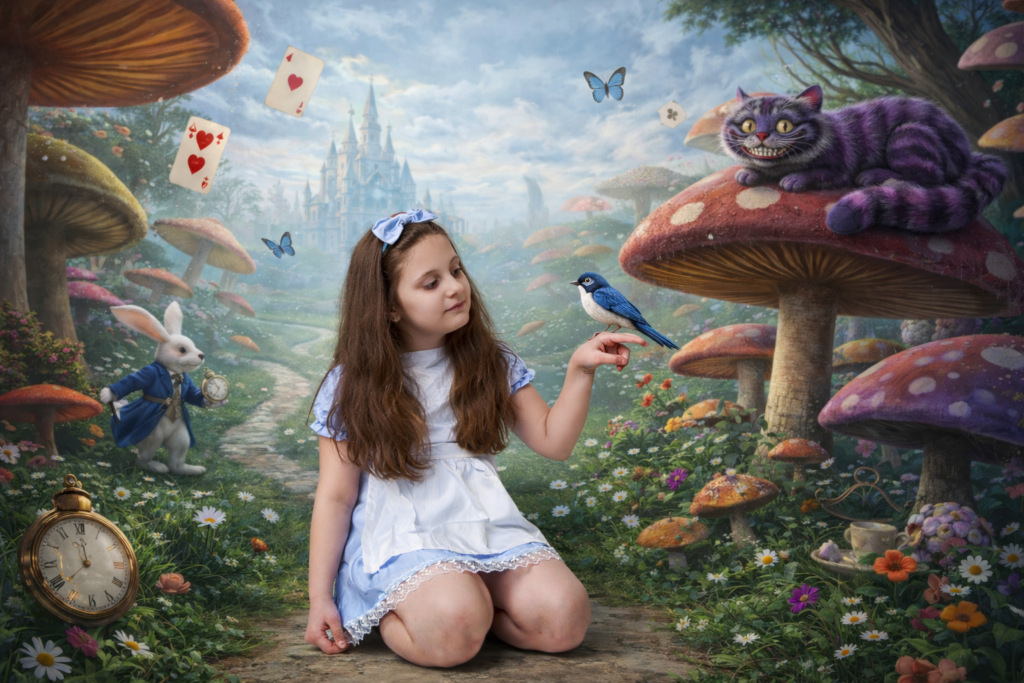
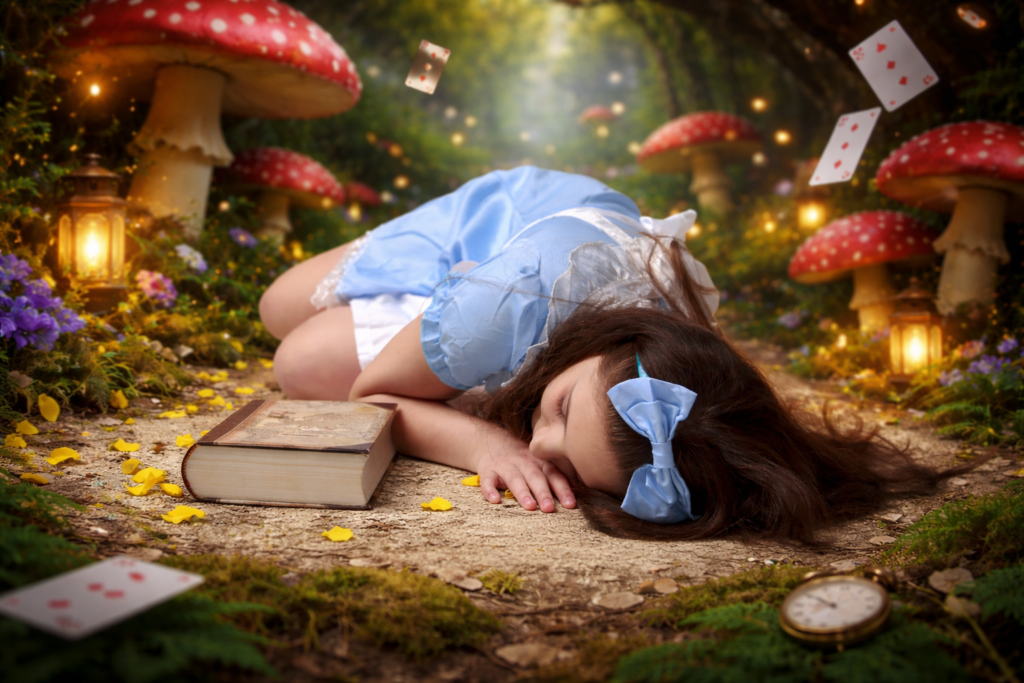
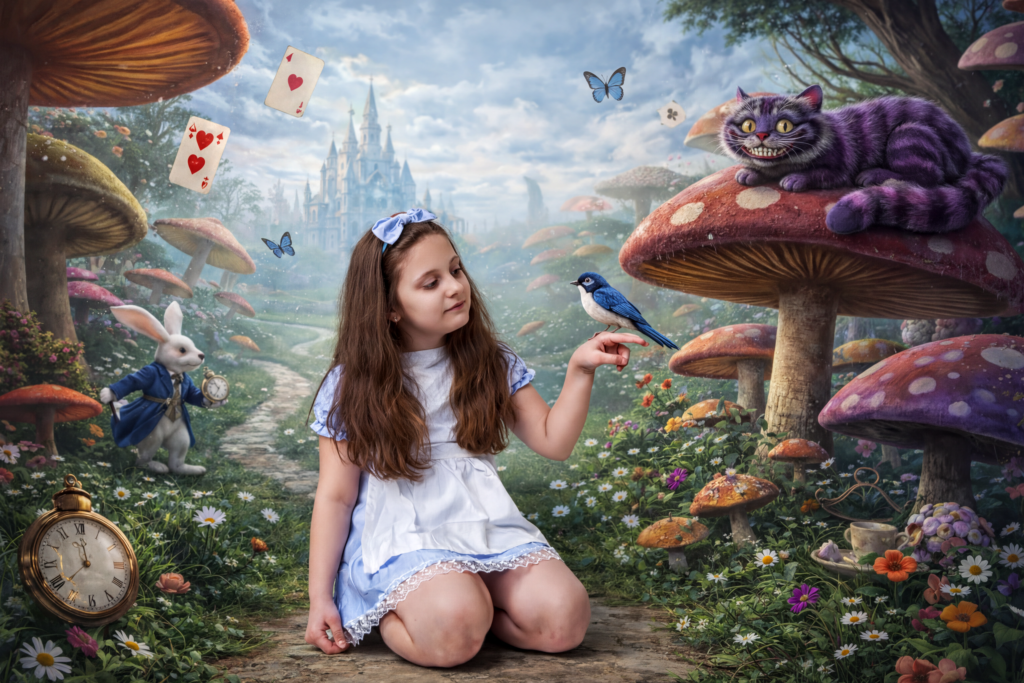
I have uploaded my favourites into ChatGPT and utilise a prompt similar to the following: “create the scene with my daughter unchanged, placing her into a whimsical Alice in Wonderland environment (for example: giant mushrooms, floating teacups, playing cards, magical forest floor, etc.) while keeping her pose, flowers, book and clothing exactly as they are.”
In one instance, as my daughter was not looking at her hand where the imaginary bird was, I requested the AI to modify the image so that she appeared to be looking at it.
The results are appropriate for small prints; however, to achieve even higher quality, I have developed an application called ImageUpscaller to upscale my images (currently, not available to the public).
Other apps I used to complete this post:
AutoNamer – rename all the web sized images with the power of AI.
Shrink-Pic – to resize the images and ready for web.
Spot the Difference – Side-by-side compare two images
What are your thoughts on the utilisation of “Artificial Intelligence” in photography?

You must be logged in to post a comment.
Leave a comment